Settings
How do I add a storage?
Go to Settings
1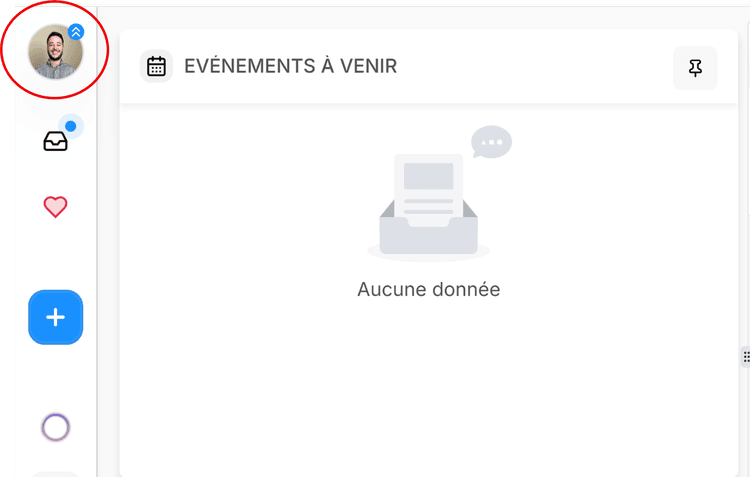
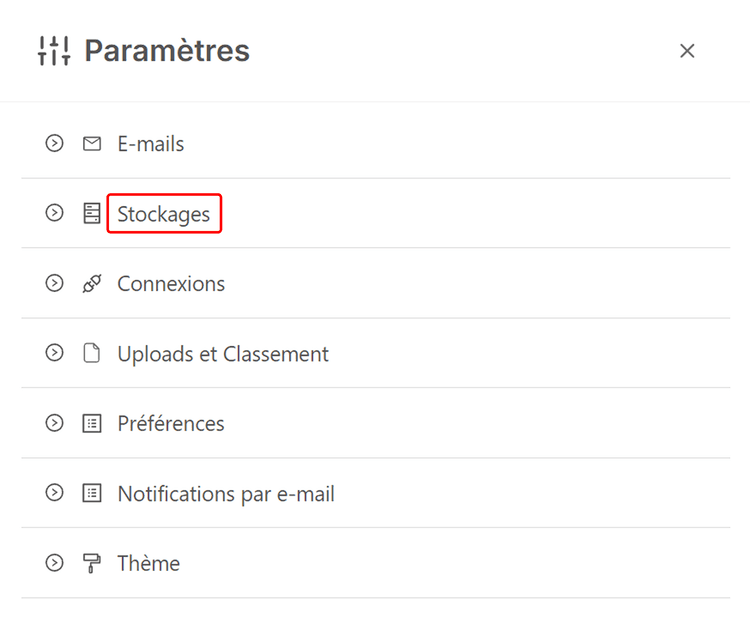
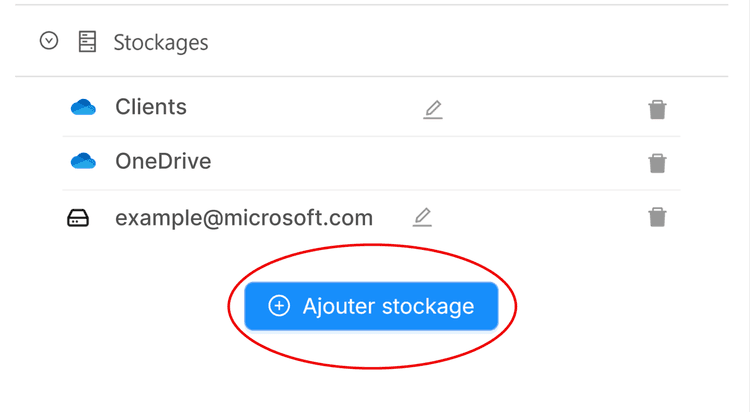
Click on the arrow next to Storage to open the dropdown menu, then click on Add Storage.
2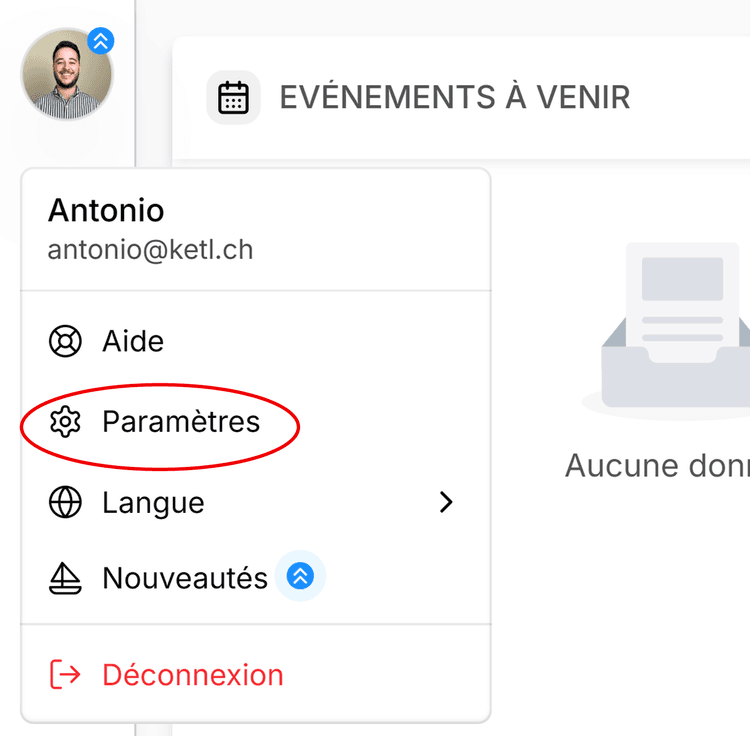
Check the box to the left of the desired storage.
3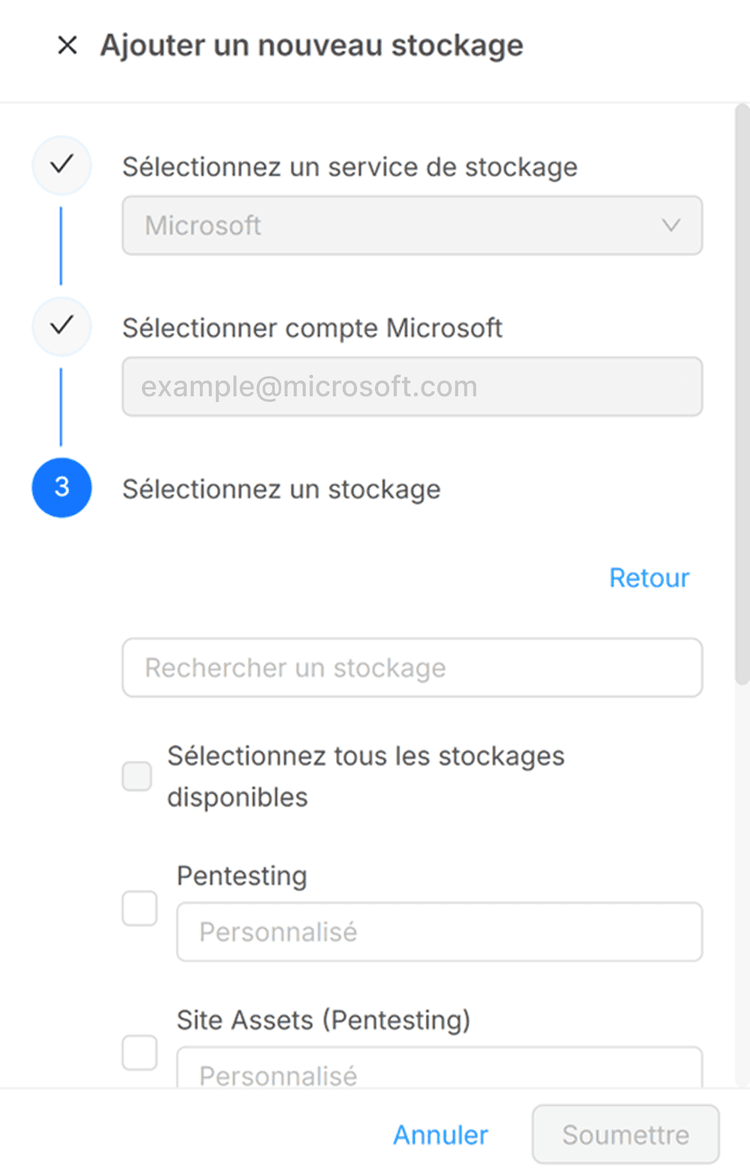
Confirm by clicking the "Submit" button at the bottom of the page.
Once your storage is added, you can connect your email.
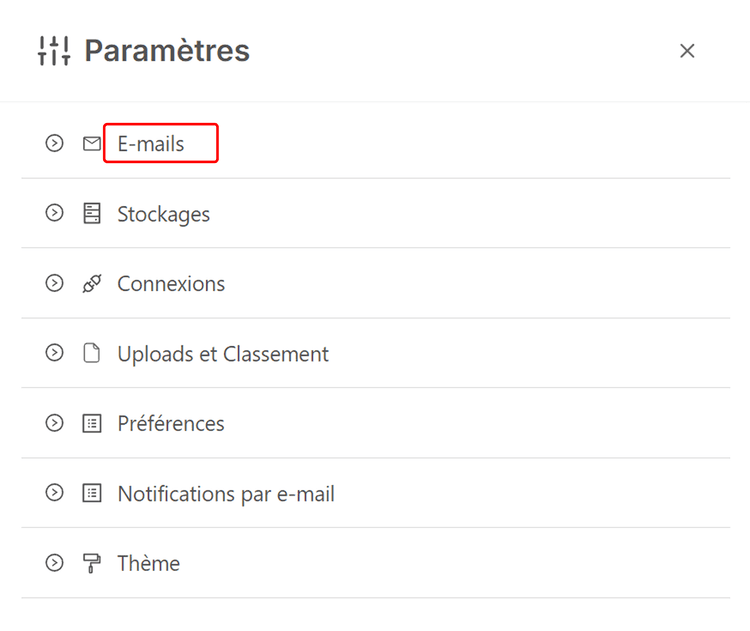
3To do this, on the Settings page, select the first option, Email:
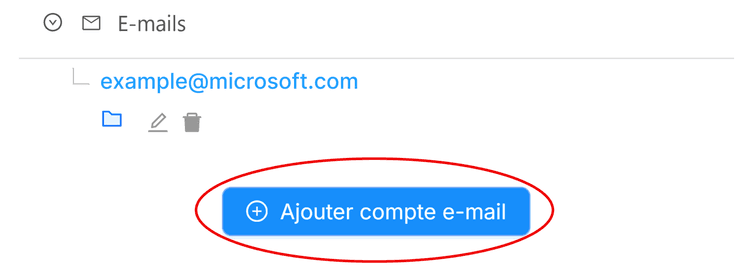
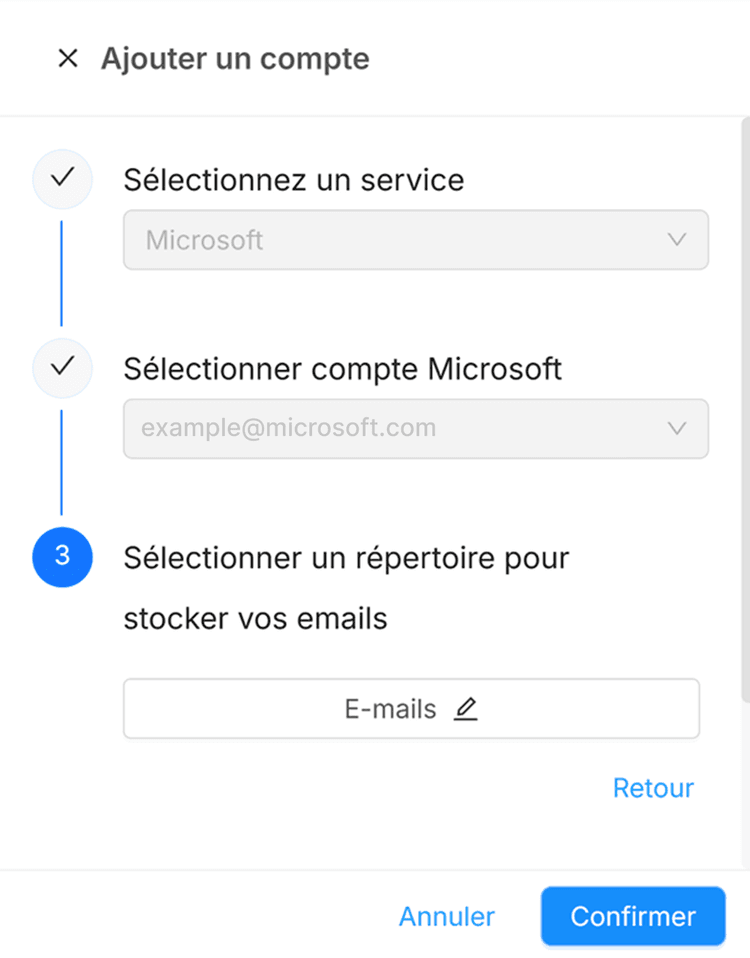
If this is not the case, click on it to create and select an "Emails" directory on your OneDrive. Once this is done, you can confirm by clicking "Confirm".