How to Use AI Intelligence
How to use the "AI Intelligence" feature?
This feature is a mini "ChatGPT" integrated into the document viewer. It is accessible via this "Intelligence" button:
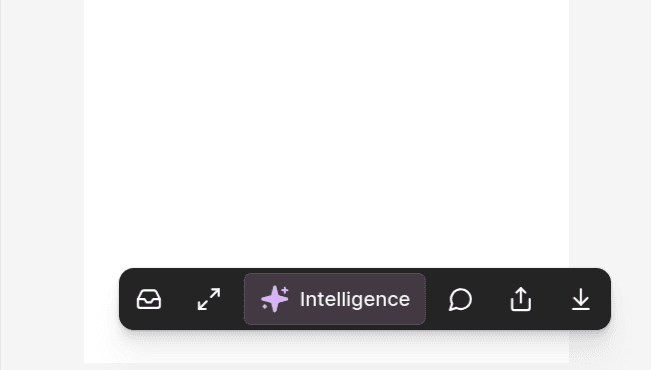
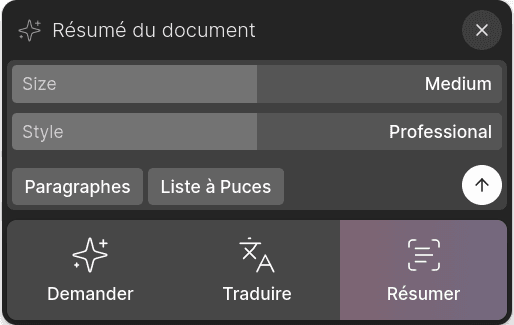
It allows for four main types of actions:
- Ask: Ask a question about the document or request the AI to perform a task on the document's content
- Translate: Translate the document into a language of your choice
- Summarize: Generate a summary of the document using AI
- Transcribe: Transcribe an audio recording
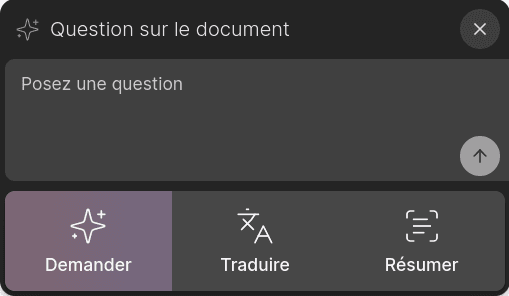
The following sections will present some common use cases for the three points above. Naturally, the nature of your documents will determine how you use this feature, and we would be happy to hear your feedback on the "prompts" that help you.
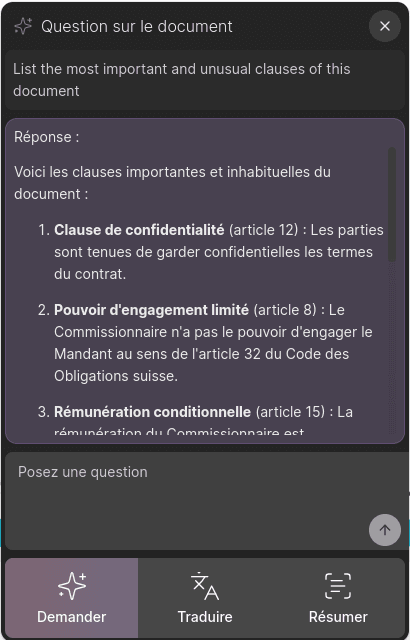
Ask a question about the document
Here are some common questions that might help you daily:
- "List the most important and least common clauses of the contract."
- "Create a bullet-point list of all the tasks mentioned."
- "Are there any urgent or critical points to address?"
- "Extract payment instructions in table format."
- "Correct any possible typos or transcription errors without significantly altering the text."
Translate a document
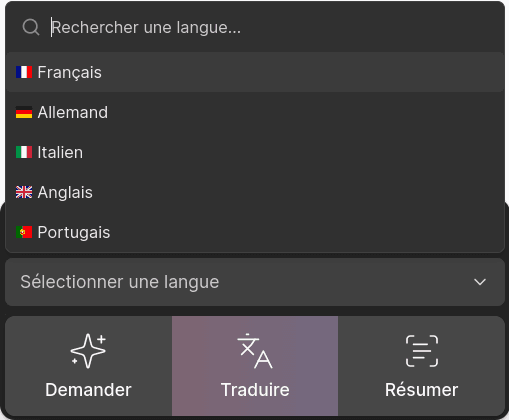
Simply select the desired language:
Notes:
- This translation is suited for short documents (e.g., emails). Generation will stop after approximately 15,000 characters. Please contact us if you would like us to increase this limit.
- Available target languages: FR, EN, DE, IT, PT
- Around 100 source languages are supported.
Summarize a document
The "Summarize" function is very useful for common tasks. If you activate it on an email, you will likely get a list of the various tasks or requested documents. You can also use it on a transcript of an audio file to facilitate the creation of meeting minutes, for example.
Depending on your preferred style, to generate a summary, click on:
- Paragraphs: for a well-written response
- Bullet Points: for a bullet-point list format
Transcribe an audio recording
How to generate a transcript of an audio file (i.e. get the text out of a recording) using ketl.
Open the audio file in ketl. The following formats are supported:
- m4a
- mp3
- webm
- mp4
- mpga
- wav
- mpeg
Large files may not be supported. Please consult us when transcribing audio files above 25mb.
You can find an audio file easily in the search page by typing the extension (“mp3”) and selecting the filter “Format”.
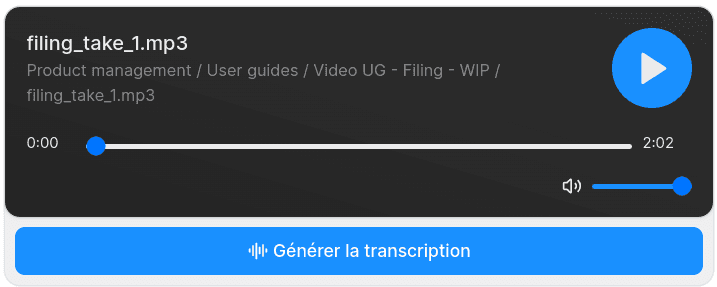
Once the file is open, you will see a player element in the document tab:
Start the transcription
1Click on the button “Generate transcription” and wait for it to finish.
On average, you can expect a 1-hour file transcription to be generated in approximately 1 minute.
Review the transcription
2When finished, the transcription is displayed under the player like this:
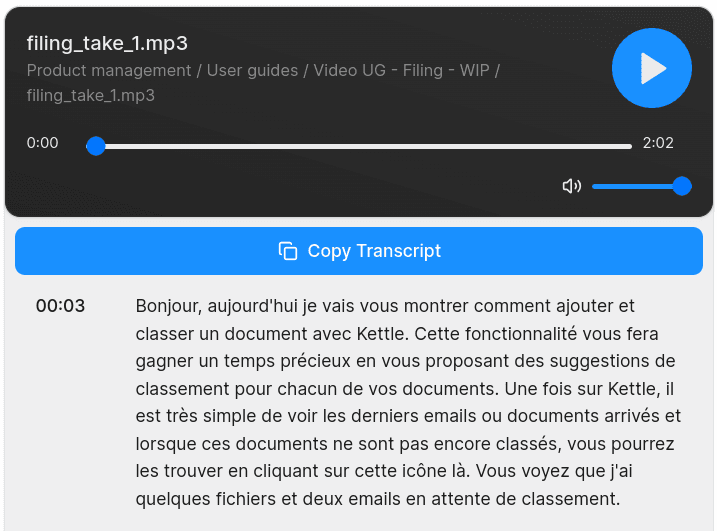
The text can be copied by clicking on the button “Copy transcript”.
If the transcribed text is long, do not forget you can use “Ctrl+F” to find a keyword in it.
In case you want to extract some information, note that the “AI intelligence” feature can be activated after the transcription has been finished.
Additionally, the transcript file is now searchable in ketl: you can now type some keywords in the search pages and find the audio files that were transcribed.