by Ketl
November 18, 2026
8 min read
Fiduciary software in Switzerland: your software environment
Fiduciary software in Switzerland: accounting, DMS and AI. How to compose your software environment, with selection criteria and integrations.
Summary
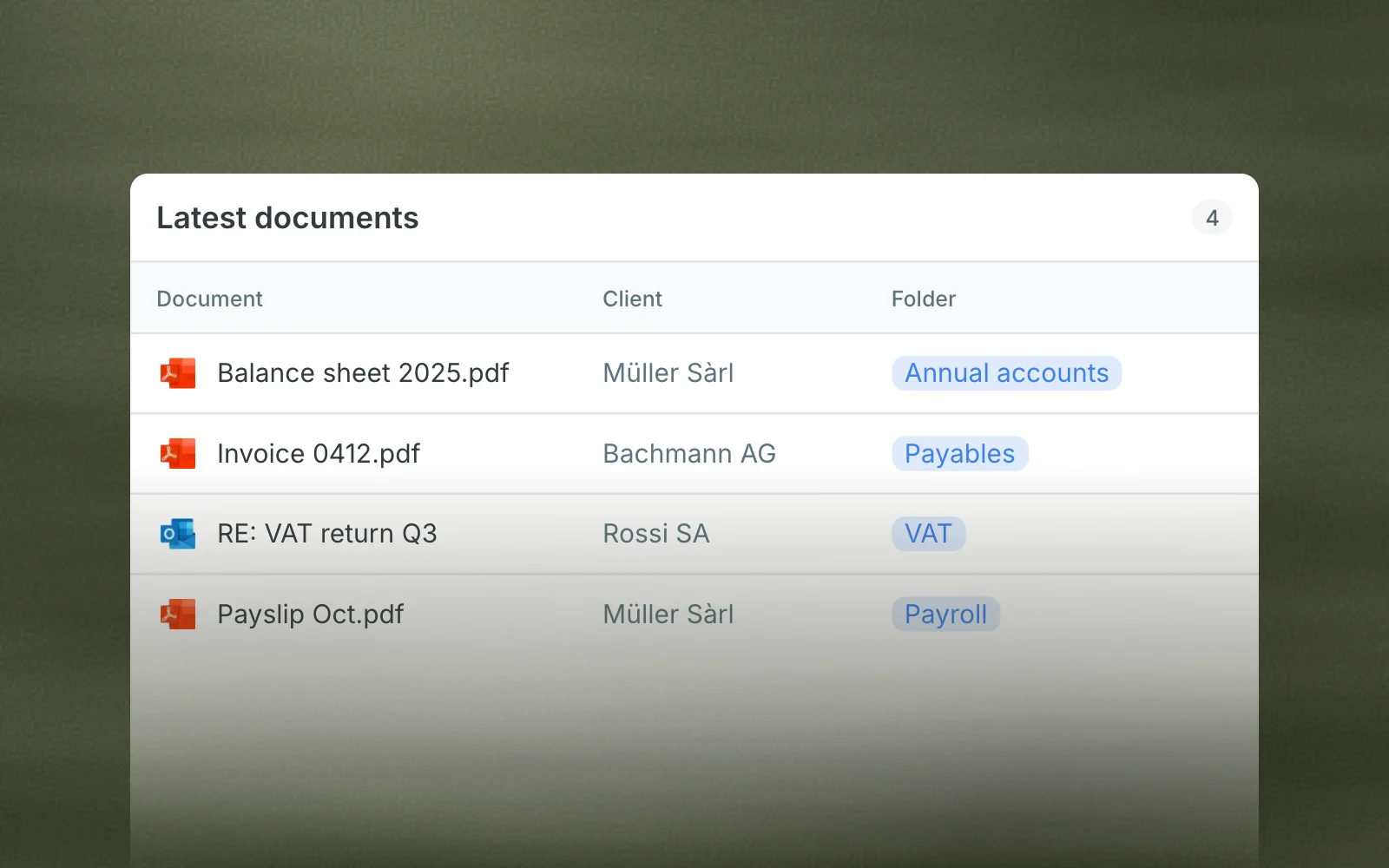
Fiduciary software consists in practice of four layers: accounting software for the books and payroll, engagement management software for engagements, time recording and invoicing, a document management system (DMS) for supporting documents and archiving, and AI to classify documents and prepare entries. Each layer has its own function, they complement each other and must be connected. Three criteria weigh most when choosing software for fiduciaries: integration with the existing accounting software, where the data is processed and the time needed for implementation. Ketl, a sovereign DMS with AI hosted in Switzerland, complements the fiduciary's accounting software with the document layer, and its open architecture allows the invoicing software or CRM of your choice to be connected.
Introduction
Anyone looking for fiduciary software first runs into comparisons of accounting software. Yet the work of a fiduciary, an accounting, tax and advisory firm known in German as a Treuhandbüro, rests on more than bookkeeping: engagements, time, supporting documents, deadlines, exchanges with clients. Each need has its tool, and the value comes from how these tools work together.
This article describes the four layers of fiduciary software, how to connect them, the selection criteria by firm size and where Ketl fits. The cost of manual filing is quantified in our article on document management for fiduciaries.
Software for fiduciaries: the four layers
Fiduciary software in Switzerland is usually a combination of several tools. Four layers structure the software environment of a Swiss fiduciary firm.
| Layer | Function | Examples |
|---|---|---|
| Accounting and payroll | Keeping the books, VAT, year-end closings, payroll | Accounting software such as Winbiz, Abacus, bexio or Odoo |
| Engagement management | Engagements, time recording, invoicing, deadline tracking | Software for engagement management, time recording and invoicing |
| DMS and archiving | Filing, search, versioning, audit trail, retention of supporting documents | Ketl, M-Files |
| AI | Classifying documents, extracting data, preparing entries | Built into the DMS or a separate tool |
The examples illustrate each category, other solutions are available. Storage forms the foundation under these layers: SharePoint, kDrive or Nextcloud. The comparison SharePoint, kDrive or Nextcloud describes these options.
What each layer brings to the fiduciary
Accounting software: the books
Accounting software handles financial accounting, VAT and payroll. It is the core business of the fiduciary and remains in place whatever the rest of the software environment looks like.
Engagement management: the engagements
Engagement management software organises engagements, time recording and invoicing. It gives an overview of the firm's activity and of the deadlines to follow.
The DMS: the supporting documents
The DMS gathers supporting documents, contracts, correspondence and client files. It files each document automatically, allows search by content and keeps the history of versions and access. It also prepares the ground for the other two layers: a well-filed, well-read document feeds the accounting. Anyone looking for a DMS for fiduciaries in Switzerland should look at integration and processing location.
AI: the preparation
AI reads the documents, extracts data (supplier, amount, VAT, account) and proposes the filing or the entry. The control criterion is the processing location: for client data, processing in Switzerland simplifies the review under the FADP.
How the layers connect
The layers work best as a continuous flow:
- the document arrives by email, by scan or through the client's upload;
- the DMS files it in the right client folder and the right financial year;
- AI extracts the data;
- the data reaches the accounting software in a ready-to-import form;
- the responsible person reviews and confirms.
Our article Modernise your accounting firm and stay on Winbiz describes this flow with Winbiz: Ketl reads the invoices and prepares an import file with the detected posting account.
Ketl is integrated, among others, with Winbiz, Accounto and Odoo. Its open architecture also allows the invoicing software or CRM of your choice to be connected: accounting and engagement management can remain in your software, while the DMS holds the supporting documents.
Choosing by firm size
The size of the firm determines which three points weigh most in the choice.
Small team
Three points that count: simple implementation, total cost including implementation, everyday convenience for search and email filing.
Questions for the provider:
- How long does implementation take, and who carries it out?
- How does an email with an attachment reach the right folder?
Medium-sized fiduciary
Three points that count: integration with existing systems, roles and workflows, takeover of the existing filing.
The common combination: from around ten employees, many fiduciaries pair accounting software, which also handles invoicing, with M-Files for document management. This combination carries a significant cost. M-Files requires a substantial investment at implementation, then brings recurring costs linked to projects entrusted to consultants. The total cost over several years is therefore worth quantifying before choosing.
Questions for the provider:
- Which accounting and engagement management software is connected?
- How are existing documents taken over?
Large firm or several sites
Three points that count: data location and applicable law, traceability through an audit trail and access log, subcontractors.
Questions for the provider:
- Where do storage, operation and AI processing take place?
- Which subcontractors are involved, and can the answer be confirmed in writing?
Checklist: ten questions for choosing
- Does the accounting software stay in place, and how does the DMS connect to it?
- Are incoming documents filed automatically by client and financial year?
- Is the invoice data (supplier, amount, VAT, account) extracted?
- How does the data reach the accounting software: import or connector?
- Which engagement management software is connected?
- Where is the data, and who operates the service?
- Where does the AI process the documents?
- Which audit trail and access log are available?
- How long do implementation and the takeover of existing documents take?
- How is the pricing model built, and which implementation and consulting costs come on top?
In which order to modernise
Three steps recur among fiduciaries that modernise step by step:
- Secure the foundation: storage and accounting software in place, client folders organised.
- Add the DMS: automatic filing, search, audit trail.
- Activate AI: data extraction and preparation of entries.
Each step consolidates the previous one, and the accounting software stays the same from start to finish.
Where Ketl stands
Ketl is a sovereign DMS with AI for regulated professions, including fiduciaries, as well as for medium-sized and large companies. It complements fiduciary software with the document layer: automatic filing, data extraction, search and audit trail.
Ketl can cover all of a fiduciary's needs. Its open architecture nevertheless allows the invoicing software or CRM of your choice to be connected. The fiduciary thus keeps the freedom of its decisions, and Ketl fits more easily into an existing environment.
Hosting and AI processing take place exclusively in Switzerland. The details for fiduciaries are on the page Ketl for fiduciaries.
In figures: Ketl processes more than 46 million documents for more than 650 clients across 11 regulated sectors. Deployment takes 4 weeks. Clients report 50 to 80% less archiving time, an average break-even after 4 months and an ROI of 100 to 350% over four years. Pricing: from CHF 59 per user per month, all-inclusive, tiered by volume.
FAQ
What is fiduciary software?
Fiduciary software covers the tools of a fiduciary firm: accounting software, engagement management, a DMS and AI. Many fiduciaries combine them rather than relying on a single product.
Is accounting software enough for a fiduciary firm?
Accounting software keeps the books. Filing of supporting documents, search and the audit trail are handled by a DMS, which complements the existing accounting software.
Do I need to change accounting software to add a DMS?
The accounting software stays in place. The DMS connects to it, for example through a ready-to-import file or a connector, depending on the software.
Where should a fiduciary firm host its data?
That depends on the clients and the documents. The FADP governs the handling of clients' personal data, and Swiss hosting simplifies the review of processing location and applicable law.
How long does it take to deploy a DMS in a fiduciary firm?
At Ketl, deployment takes 4 weeks, and the migration runs in parallel with day-to-day operations.
Conclusion
Fiduciary software is built from layers that complement each other: accounting software for the books, engagement management for the engagements, a DMS for the supporting documents and AI for the preparation. The value lies in the connection between the layers and in where the data is processed.
Next step: list your firm's tools layer by layer and flag the layer that is missing or remains manual.
→ Request a demo on your own documents → Ketl for fiduciaries → SharePoint, kDrive or Nextcloud