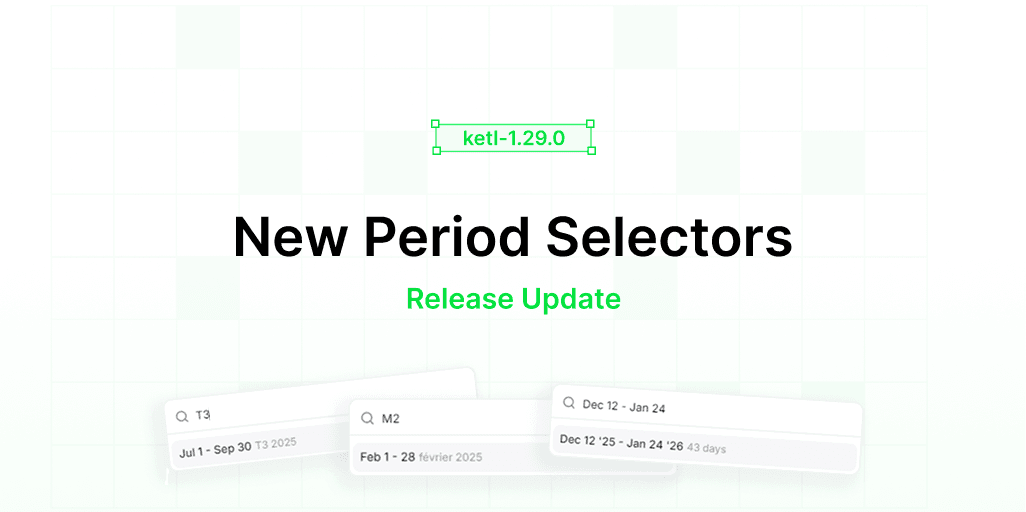
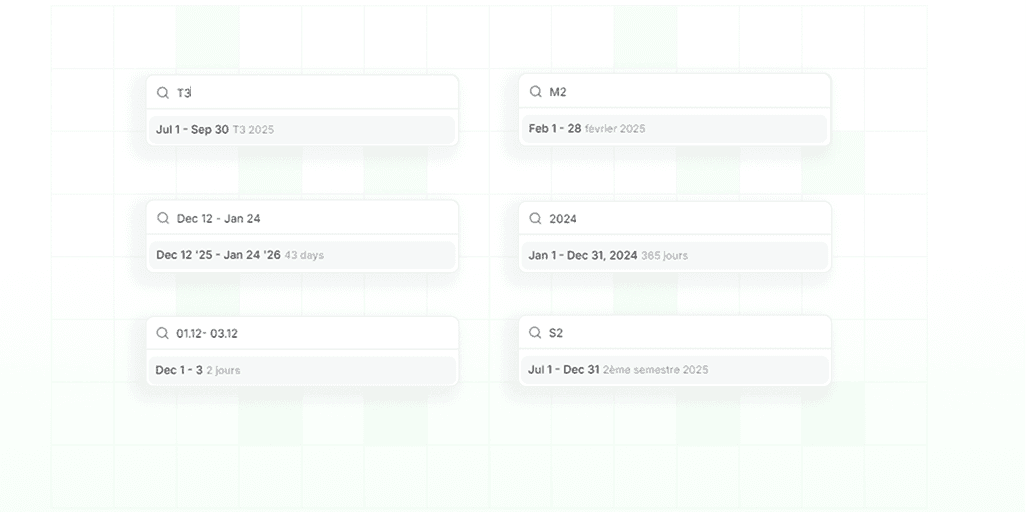
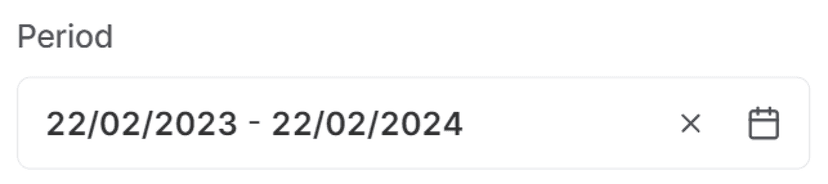
Ketl 1.29 lands with a revamped set of period selectors designed to make filtering and filing documents way less tedious. The new UI parses natural language, handles a wide variety of date formats, and generally stays out of your way so you can stay focused on actual work.
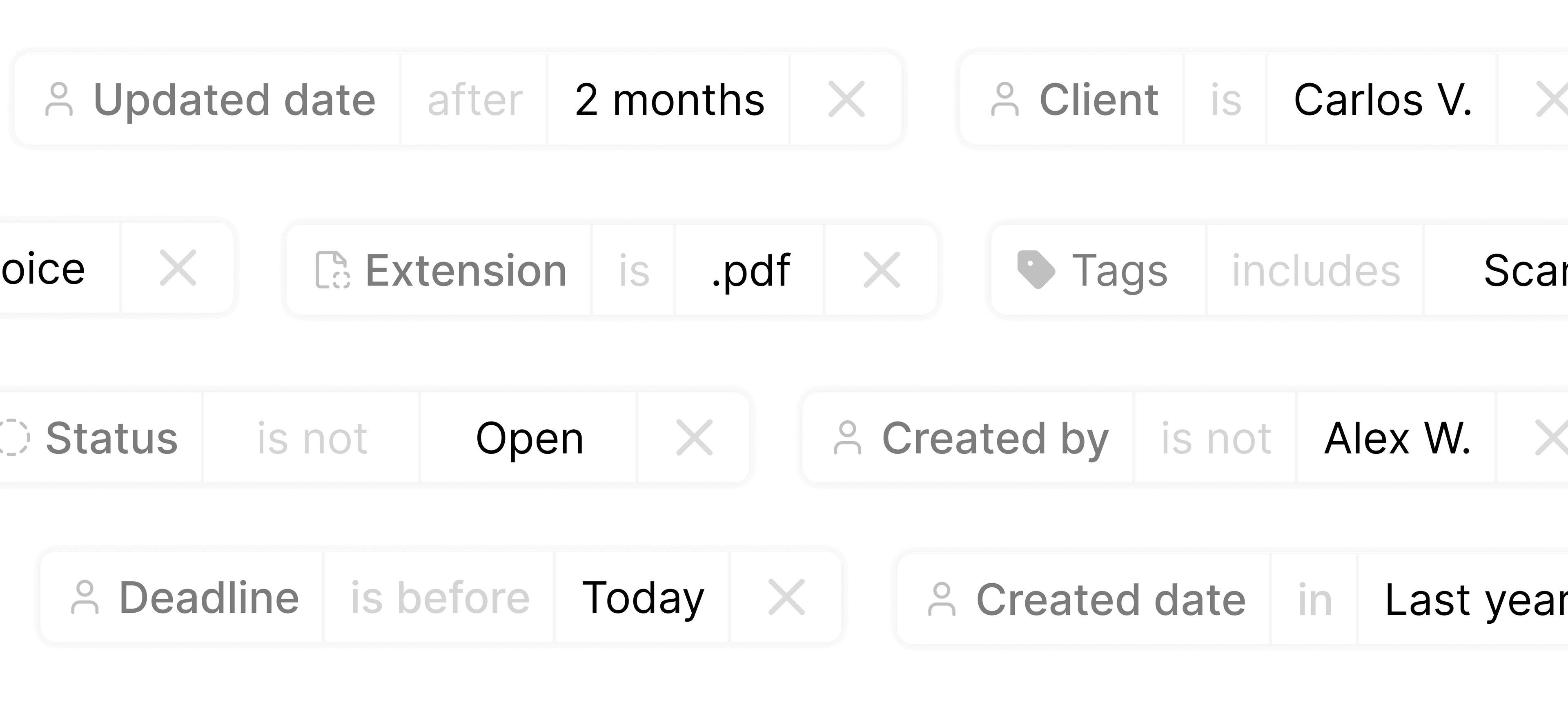
With the updated selectors, you can type things like “last week,” “last month,” or “last year,” or define any custom range with a simple, predictable interface.
…and a bunch more that behave exactly as you’d expect.
We are proud of our work on this release and believe that the new period selectors will significantly improve your experience with Ketl.
We are committed to continuously enhancing our platform based on your feedback and needs, and if you feel something is missing or could be improved, please do not hesitate to reach out to us!
1.28 - New Filing Interface
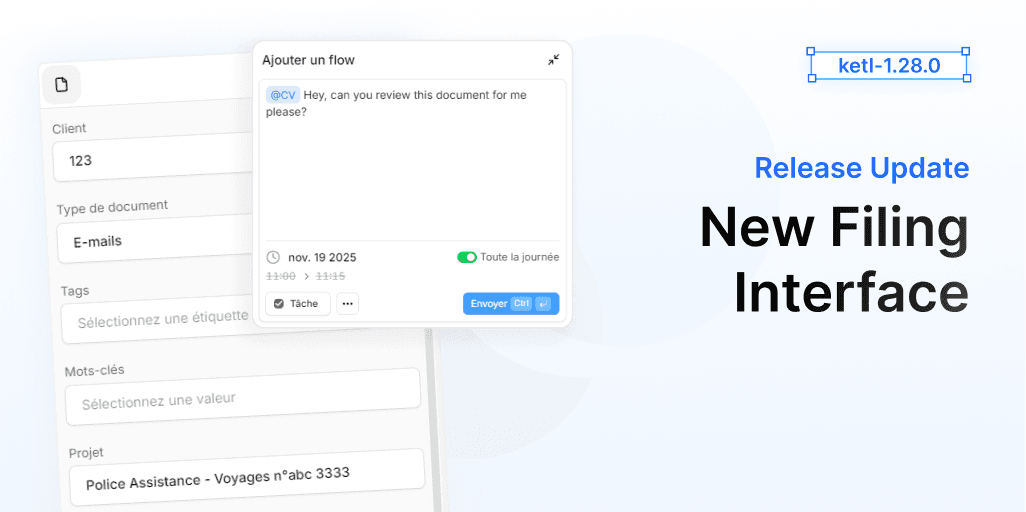
Today we are excited to announce the release of Ketl 1.27, which introduces a completely redesigned filing interface. This new interface is designed to enhance user experience, streamline workflows, and improve overall efficiency when managing documents.
Our priority was to create an intuitive and user-friendly filing process. We not just redesigned the aesthetics but also rethought the entire workflow to make filing documents faster and more efficient.
You will find brand new components and features thought to make your filing experience better than ever.
We also took the opportunity to introduce several improvements and fixes across the platform to enhance your overall Ketl experience.
Overview of this release:
The interface of filing was completely redesigned for better usability and efficiency.
The creation menu of a flow from filing was also redesigned for a more intuitive experience.
The dropdowns in the new filing interface were improved to prevent cutoff issues.
The AI suggestions in filing were improved to provide more relevant options.
The user experience when selecting periods and dates in filing was enhanced for better clarity and ease of use.
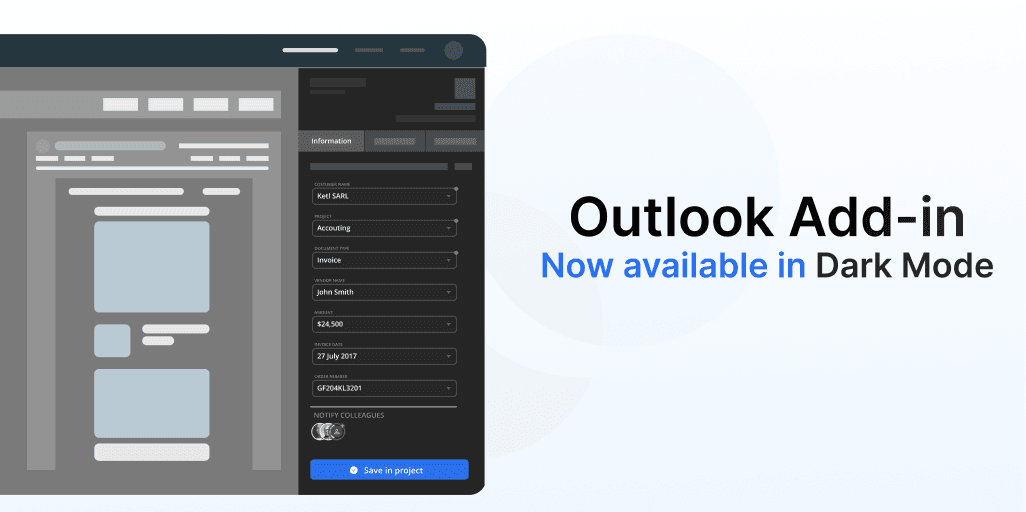
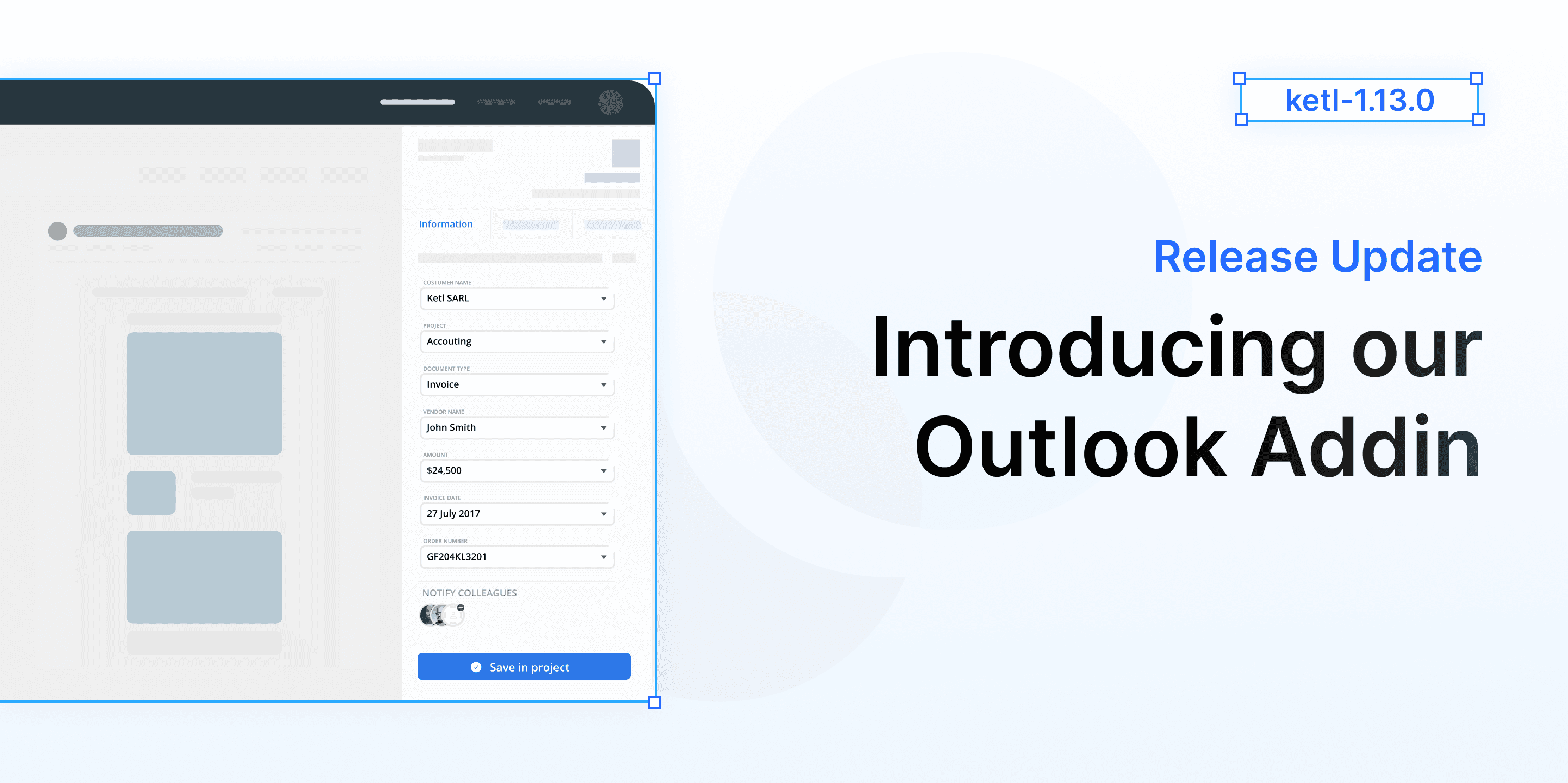
Our Outlook add-in now supports dark-mode. It will provide a consistent experience for users who prefer dark themes.
Not just that, we have also made several improvements and fixes across our add-in to make it more reliable and user-friendly.
This changes include:
1.27 - Merge PDFs
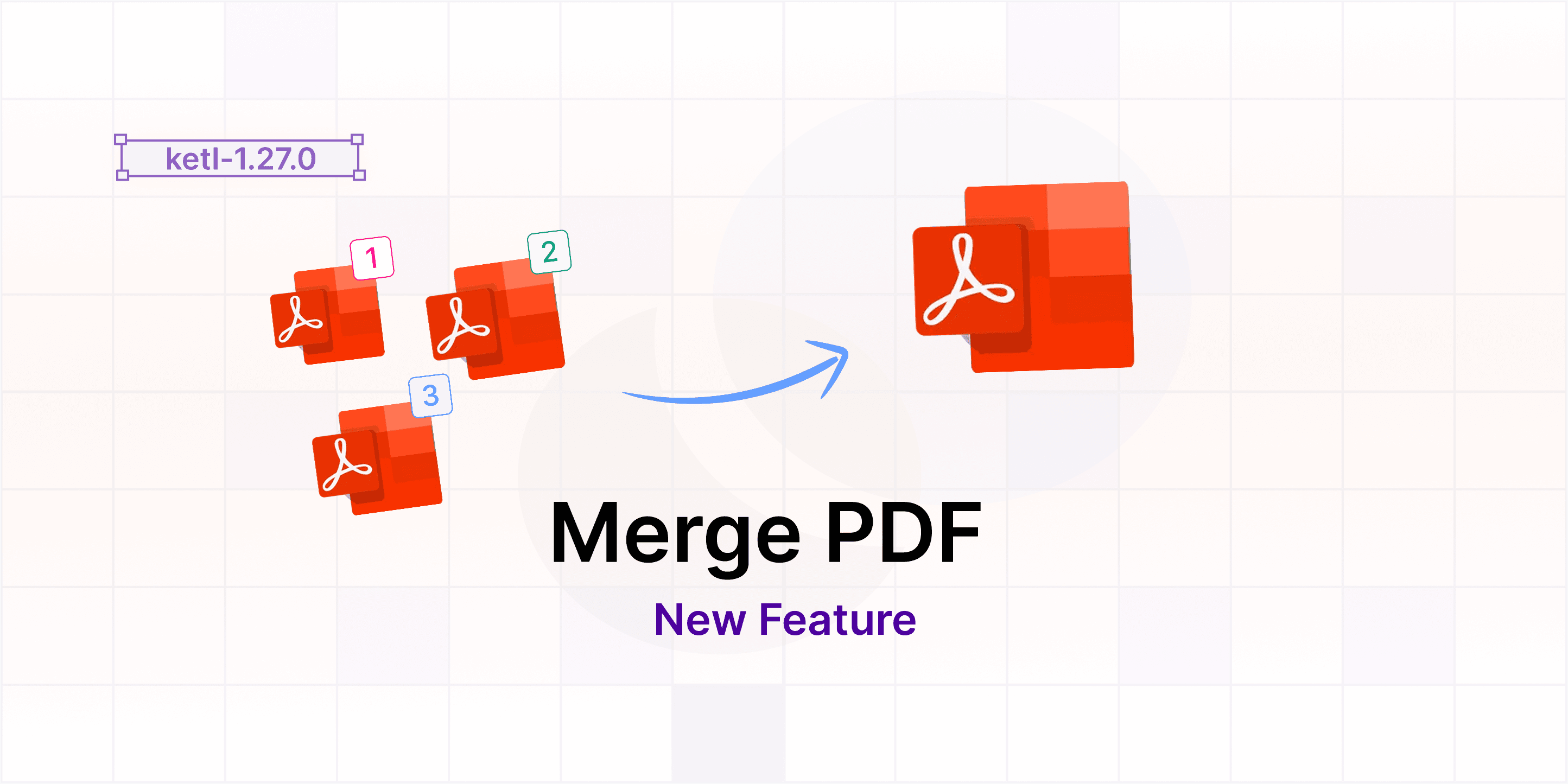
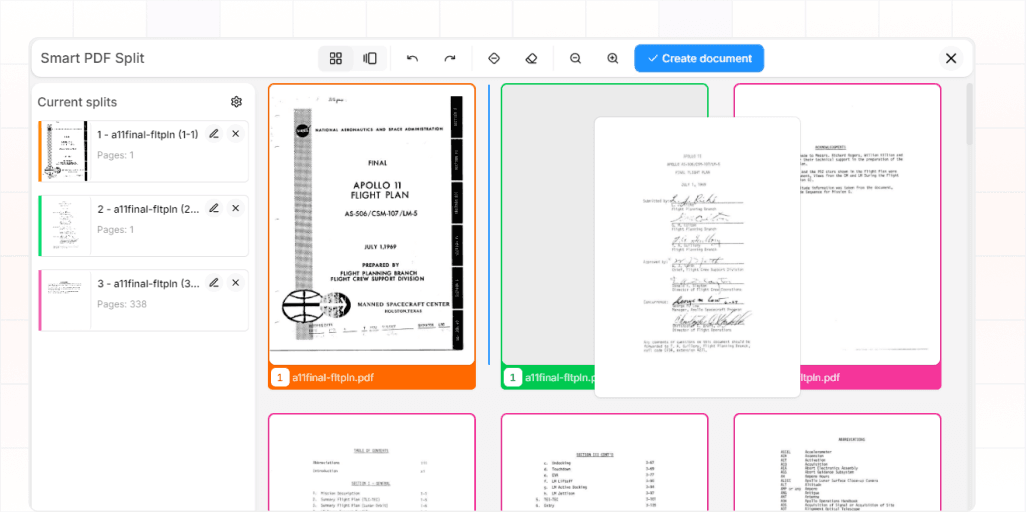
Today we are excited to announce the release of Ketl 1.27, which introduces the highly anticipated PDF merging feature. This new functionality allows users to seamlessly combine multiple PDF documents into a single file, enhancing document management and workflow efficiency.
We understand the importance of streamlined document handling in today's fast-paced environment. With the PDF merging feature, users can now easily consolidate reports, invoices, and other important documents, making it simpler to share and archive information.
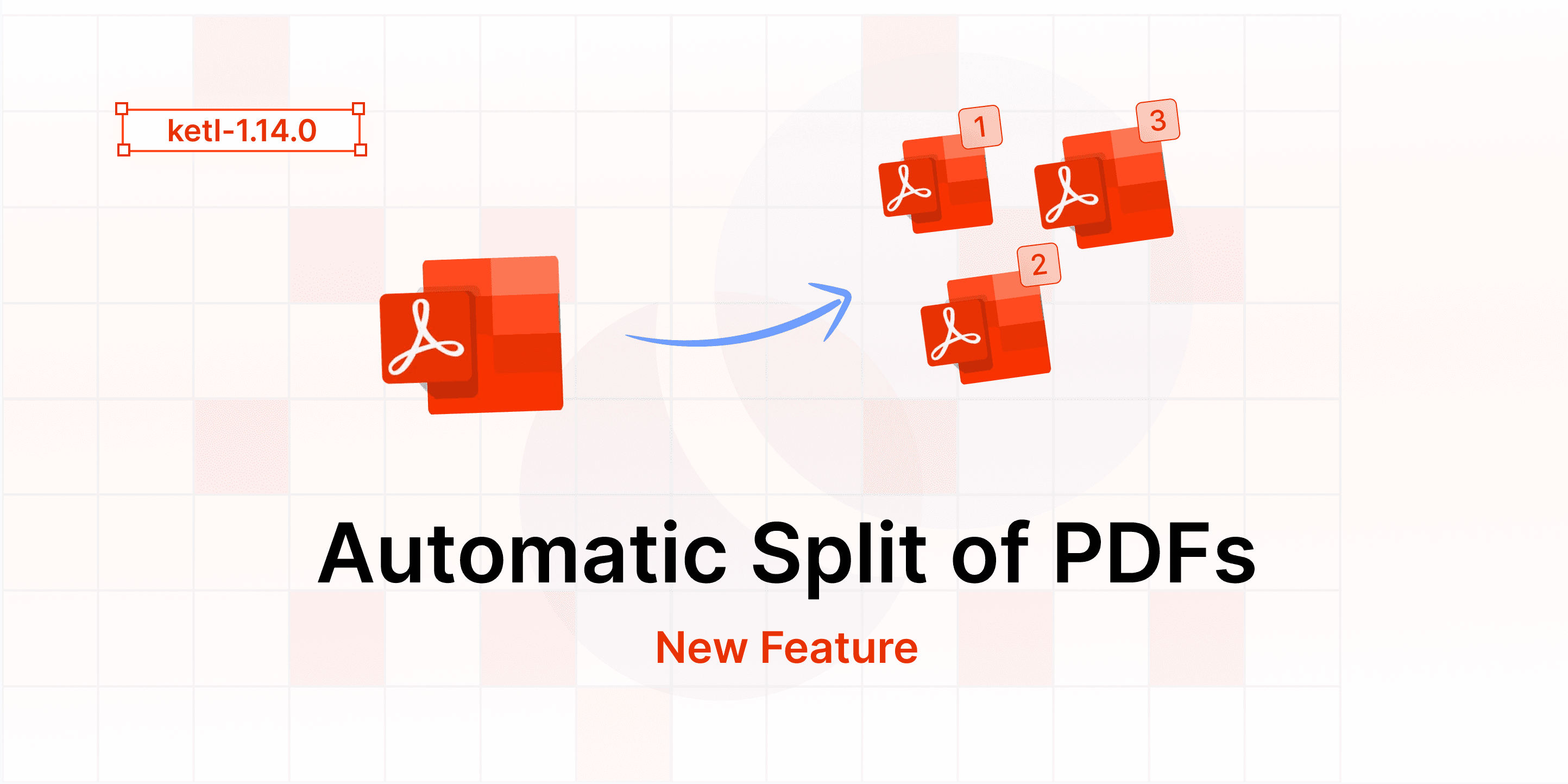
The interface was also improved to provide a more intuitive user experience. In the same interface you can split and merge PDFs with ease and efficiency.
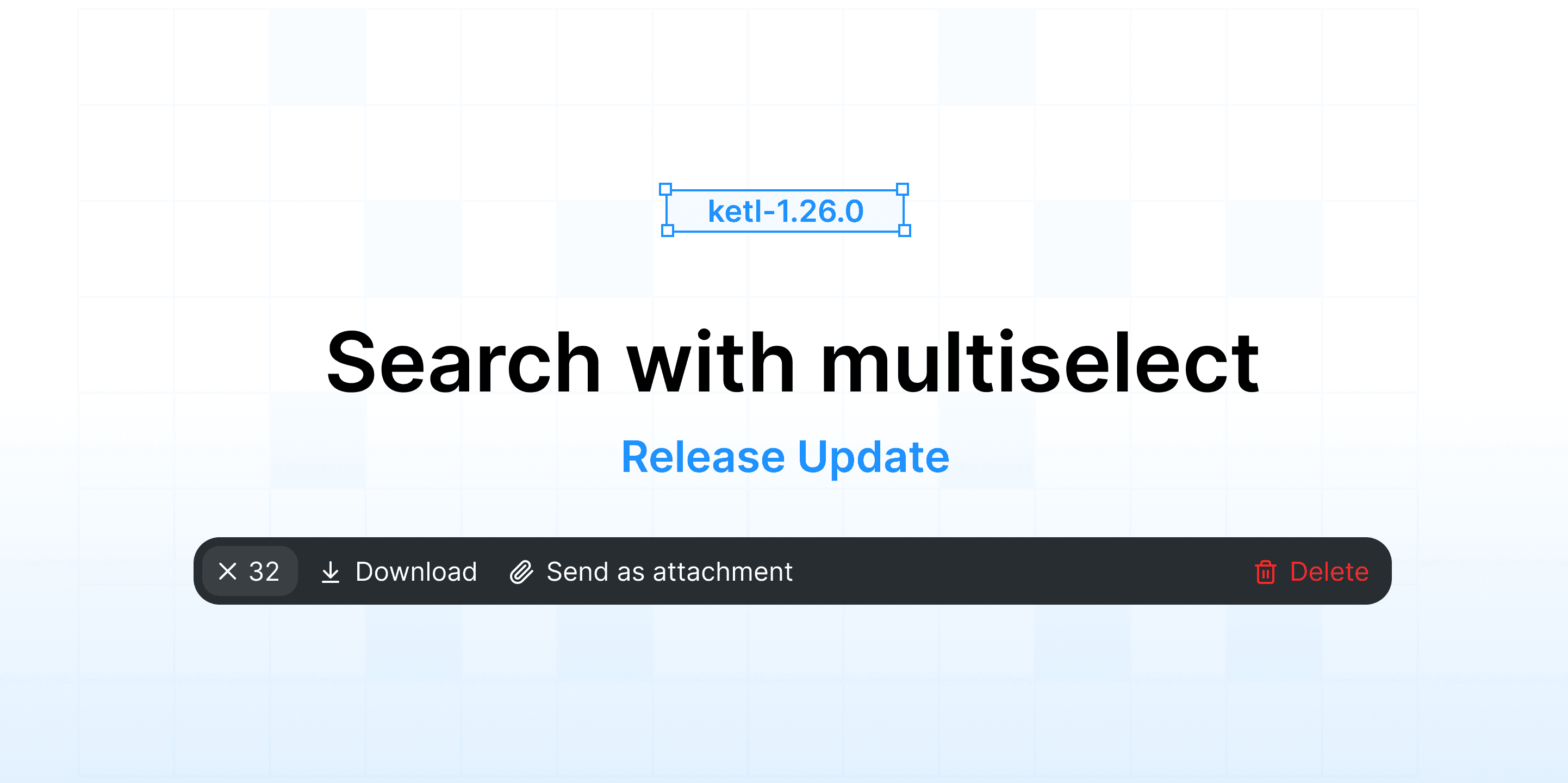
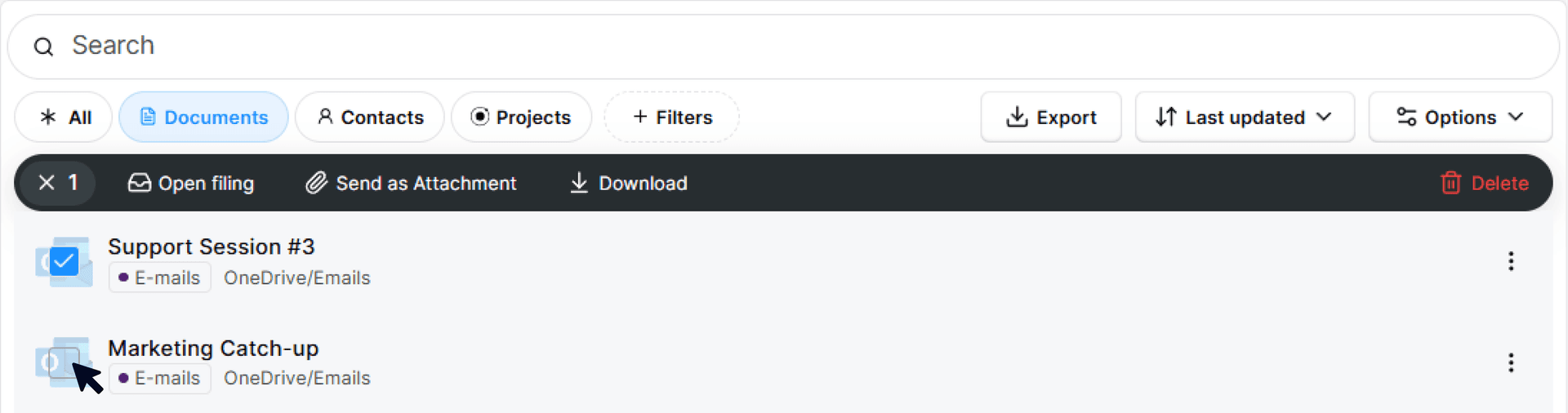
Ketl now allows you to select results from a search and perform actions on them. This feature is particularly useful when you need to classify multiple documents at once.
By clicking on the document icon on the search page, you can start to select several documents.
Once you have selected the documents, you can choose from the following actions:
Improved the selection of document types in filing to be more user-friendly.
Fixed a bug causing dots in float numbers to be ignored.
Fixed a bug causing the creation of entities and projects to fail.
1.25 - Filing Inbox & Frequent Filters
We are excited to introduce a multitude of new features and improvements inspired by your valuable feedback. Following the last update, which received many positive reactions, we have taken your suggestions into account to bring more significant changes.
We have worked hard to enhance your user experience, focusing on "quality of life" modifications for the features you use most often. We hope you enjoy these changes as much as we do!
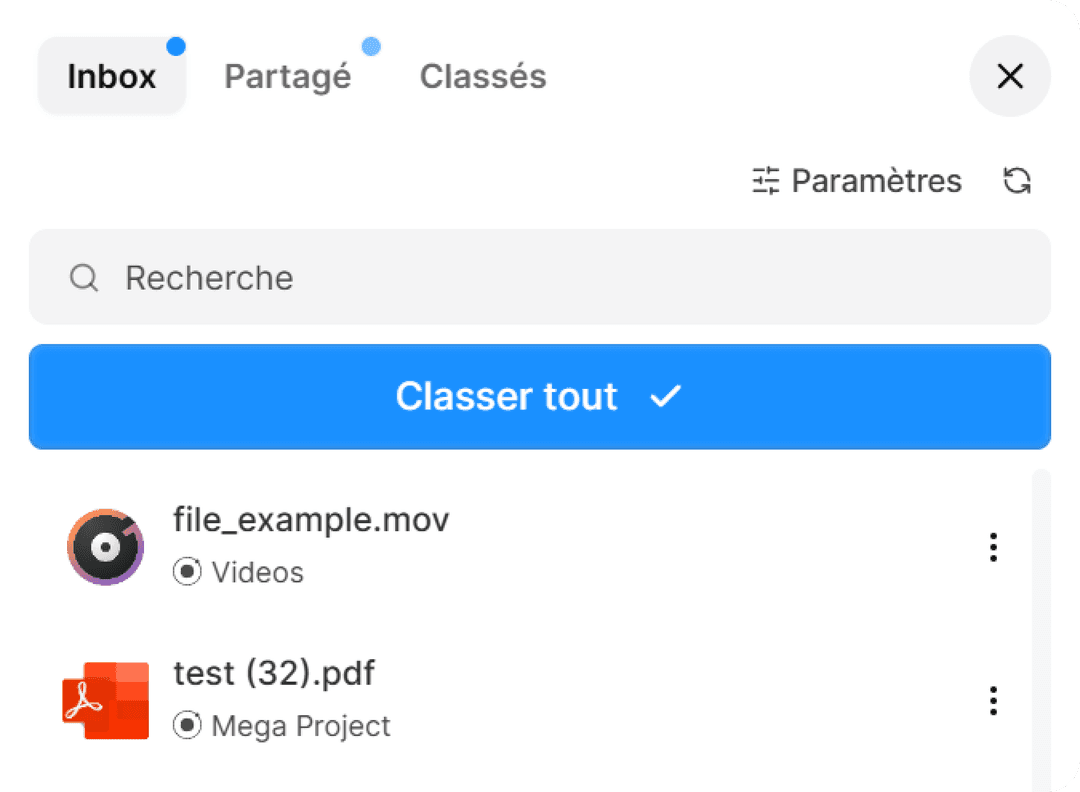
The inbox interface has been revamped for greater responsiveness and simplicity.
Opening it and performing searches are now significantly faster. The stability when classifying a large number of documents has been greatly improved.
The number of documents to classify is no longer displayed: it has been removed to reduce stress related to notifications and for performance and security reasons.
1.24 - Bug fixes & Improvements
We've been tweaking some details and listening to your feedback on how to make our app even better, today we are releasing many fixes based on your feedback.
Fixed a bug impacting Recently filed and Recently modified filters in search.
Fixed a bug where adding a note to the calendar without a due date would throw an error.
Fixed a bug which prevented the create template viewer from showing previews until all fields were filled in.
Fixed bug where changing the AI graph in insights dashboard caused a crash.
Fixed a visual bug in the user avatar dropdown.
Fixed a bug where renaming a file in the filetree would put the file on top of the folder.
Fixed a bug that was preventing some users from opening documents in their mobile.
Fixed a bug preventing some xslx files from being displayed correctly.
Fixed a bug where the alert when you try to file a file with the same name as another file would not appear.
Welcome to the new Ketl
Today, we are revealing the result of many weeks of work redesigning Ketl’s interface.
Our brand-new unified search and refined visual elements provide a more intuitive and immersive user experience. Dive into the future of productivity with features designed to make every interaction smoother and more impactful.
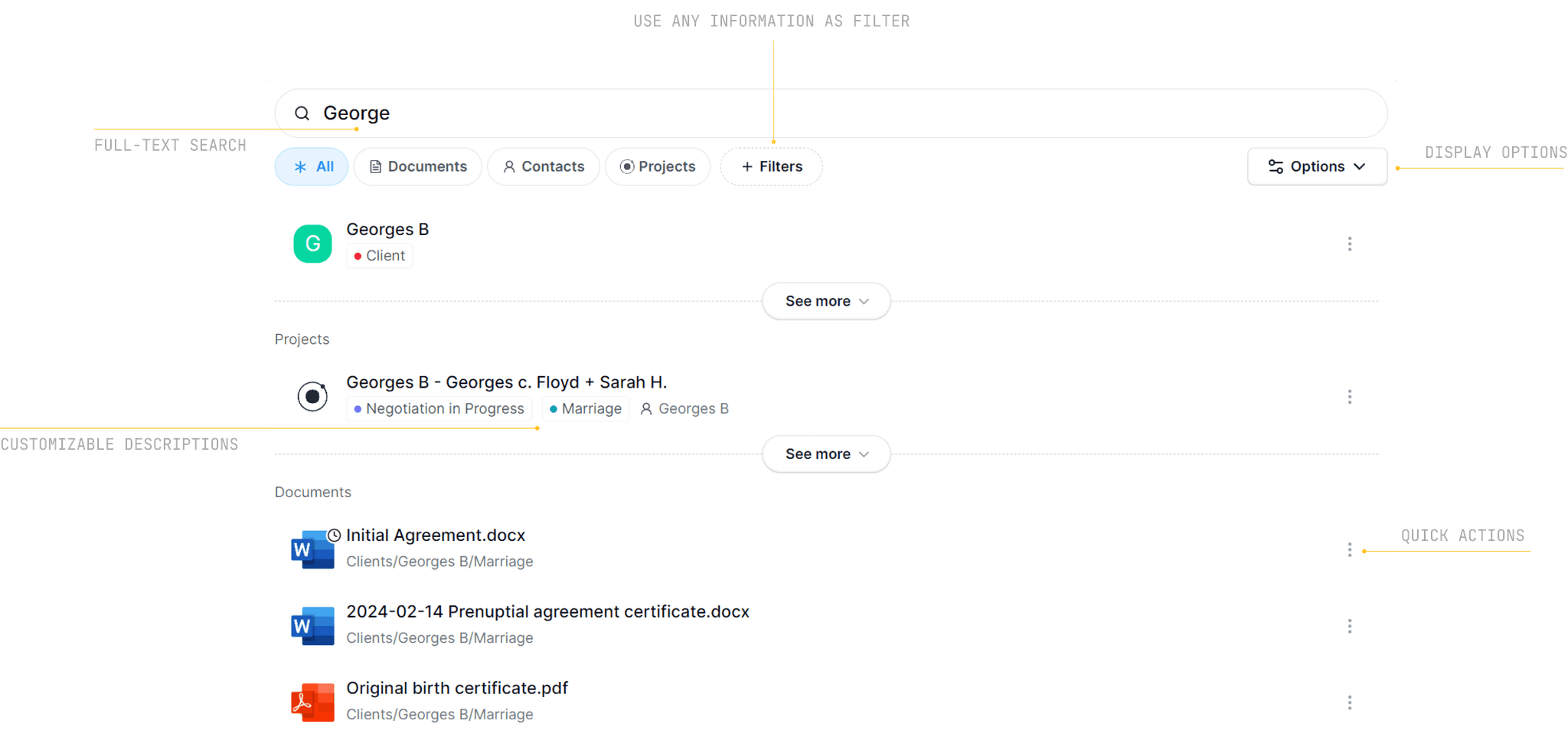
We've spent the last couple of months rebuilding search from the ground up. The UI has been refined. We've improved how we display results as well as the accuracy, for instance for words split with / or _. You can now reliably use "phrase matching", -negative keywords AND boolean operators in your search queries.
Not only that, but results will show projects, clients, and dates as well as events.
We created a dedicated page with all the details about the new search: View here
What's New
Find information that relates to a subject.
Search options from extracted information.
Any type of information available to use as a description.
New option to search by name only.
New Show archived option.
Persistent Filters, ability to set filters as persistent.
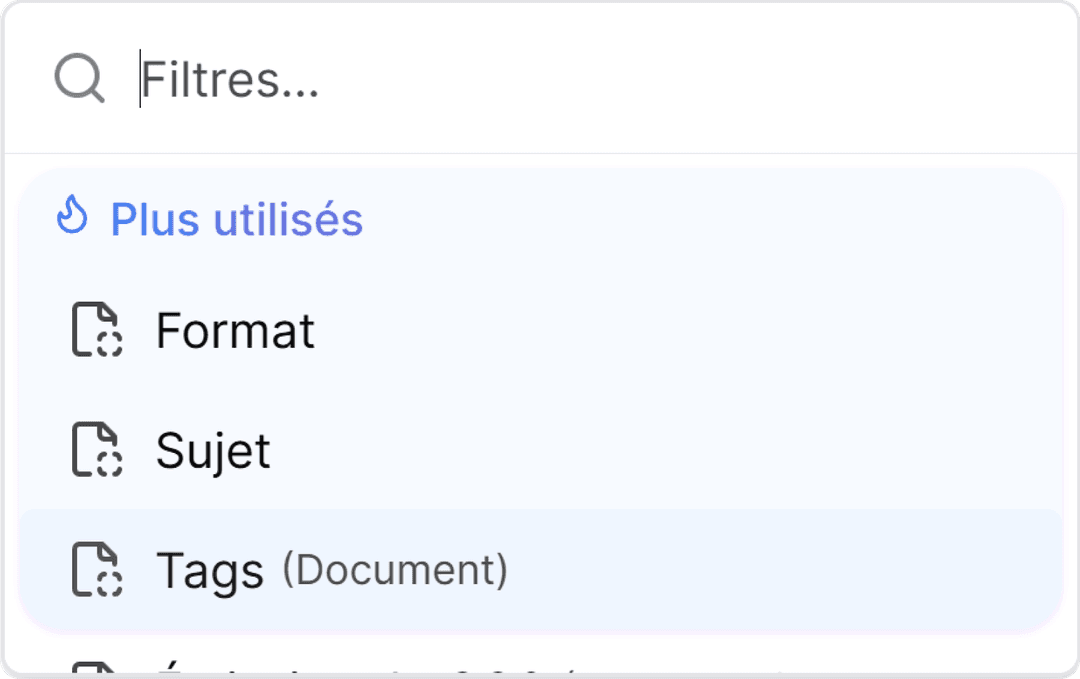
Filters in Ketl help you find the results that are relevant to you. We have made filters even more powerful and flexible by re-engineering them from the ground up. We now allow more types of filters and ways to combine them. The interface for creating filters has also been redesigned to make adding filters faster and smoother.
We've reimagined one of the core parts of our app to make your experience smoother and more intuitive.
With enhanced views, seamless navigation, and new ways to interact with your data, everything you need is now at your fingertips. Plus, the integration of Adobe’s document viewer brings a polished and powerful approach to managing and viewing your files across all devices. This update is all about making your workflow smoother, faster, and more enjoyable.
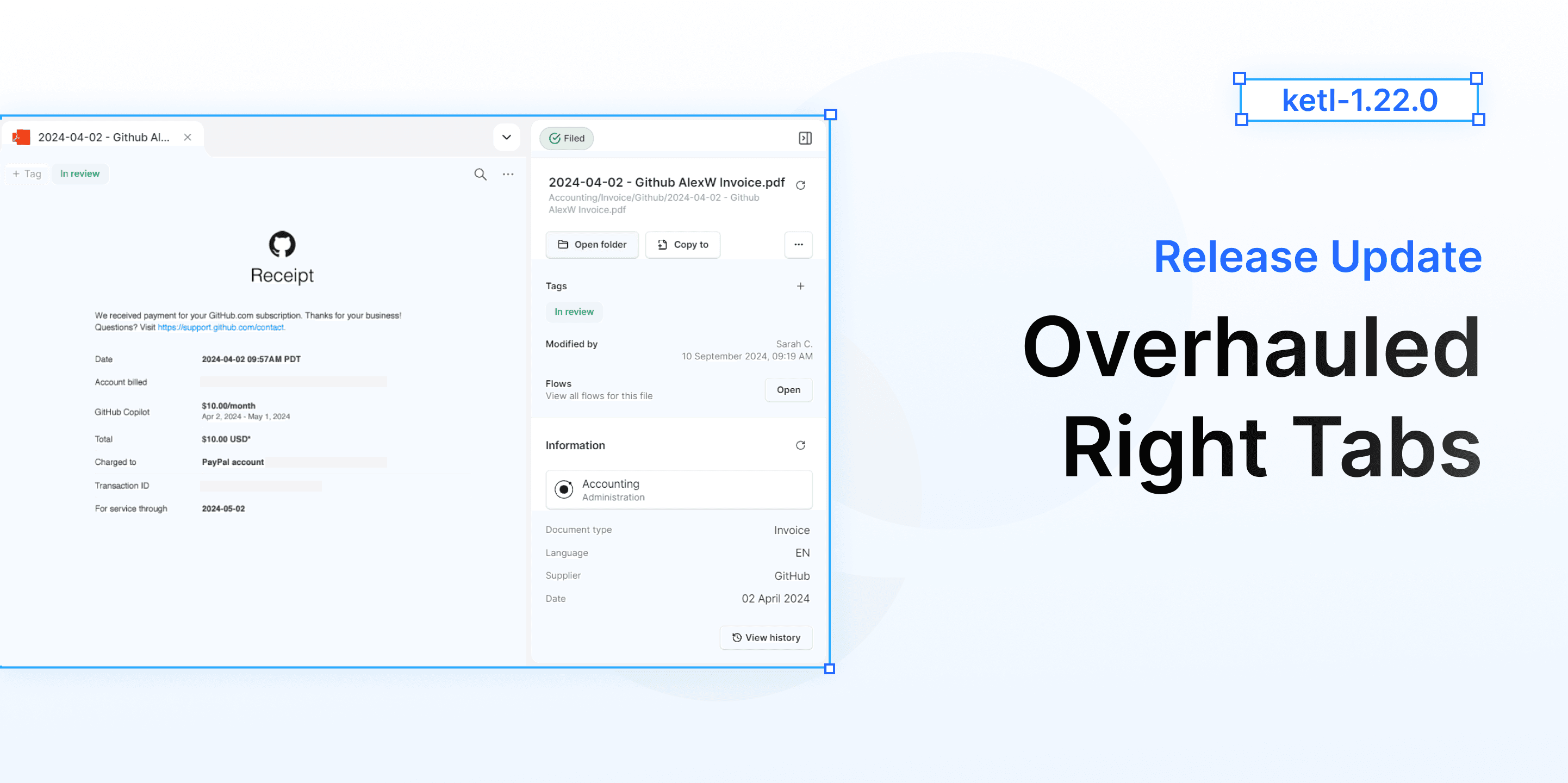
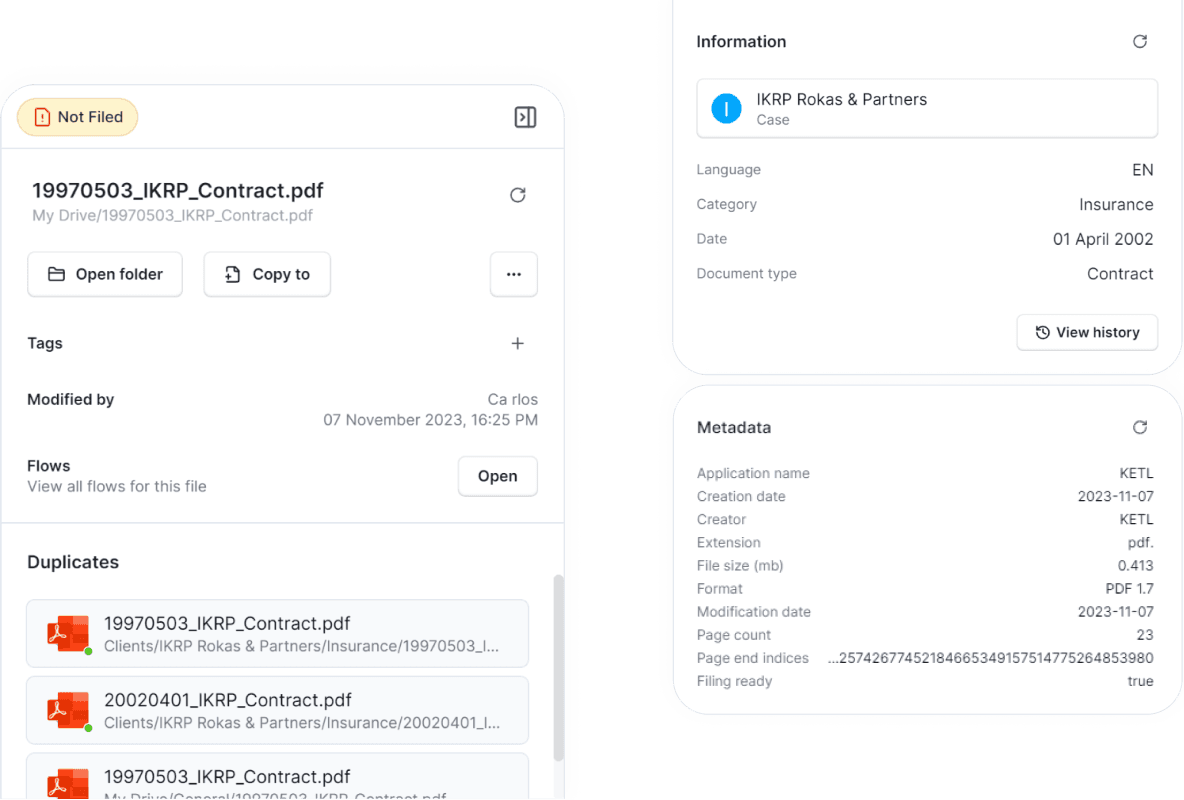
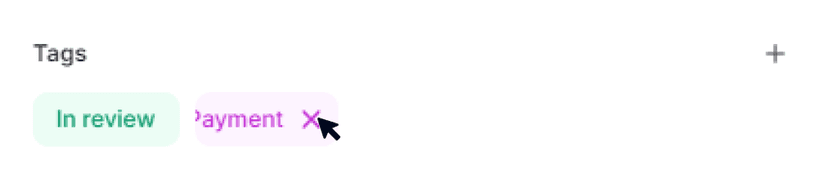
Tags, tags everywhere! Now you can add and manage tags across Projects, Documents, Contacts, and Flows — all directly from the sider.
1.21 - UI Overhaul and Bug fixes
This new version of Ketl features over 20 improvements, both major and minor. Highlights include a new, faster filing interface and enhanced communication tools for documents.
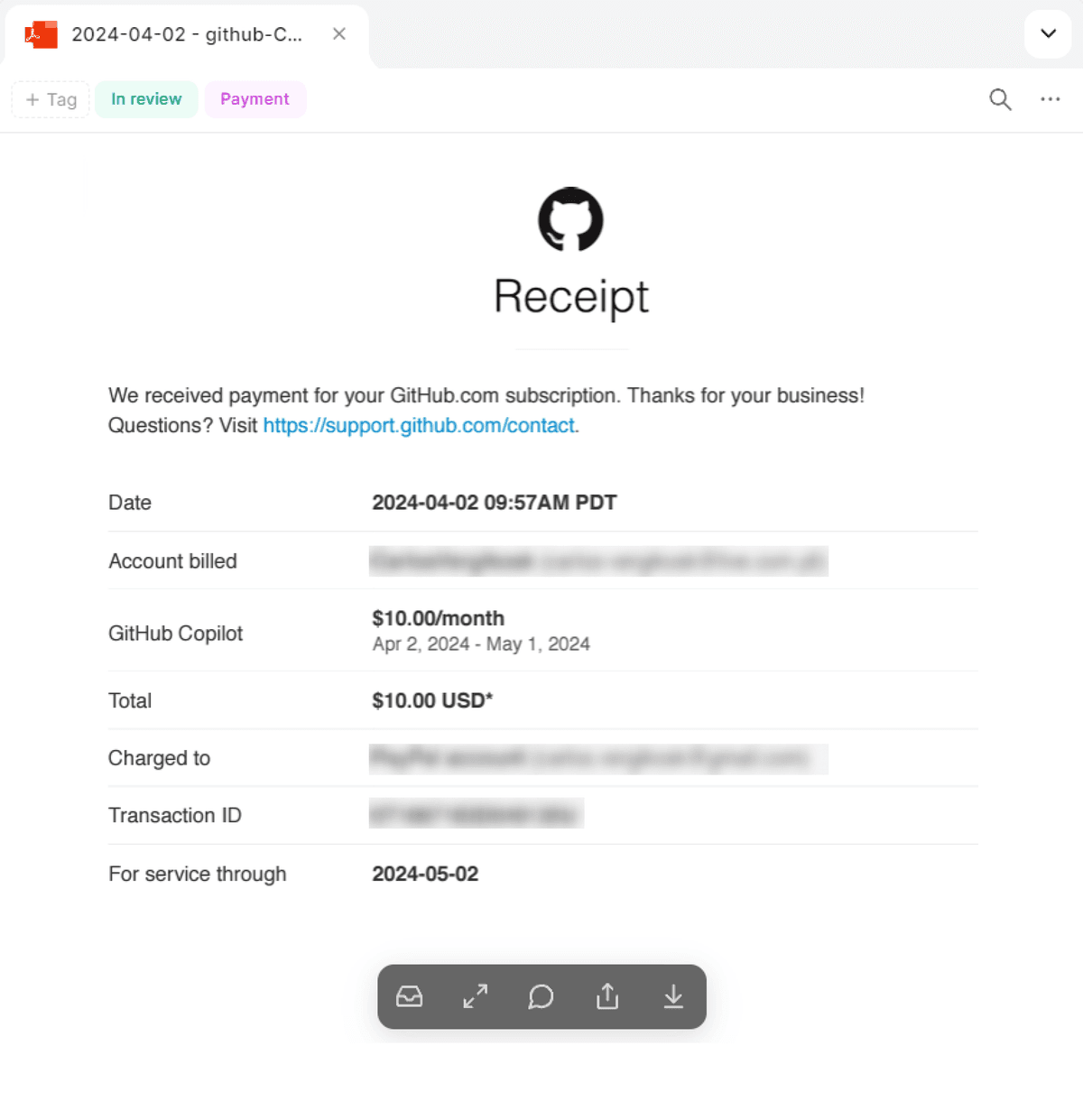
With the introduction of Ketl Dock, now you can immediately check if you already filed a similar file before.
Everytime you are trying to file a file that has already been filed, you will see an alert, if you expand that alert, you can see what similar files have been filed and take action.
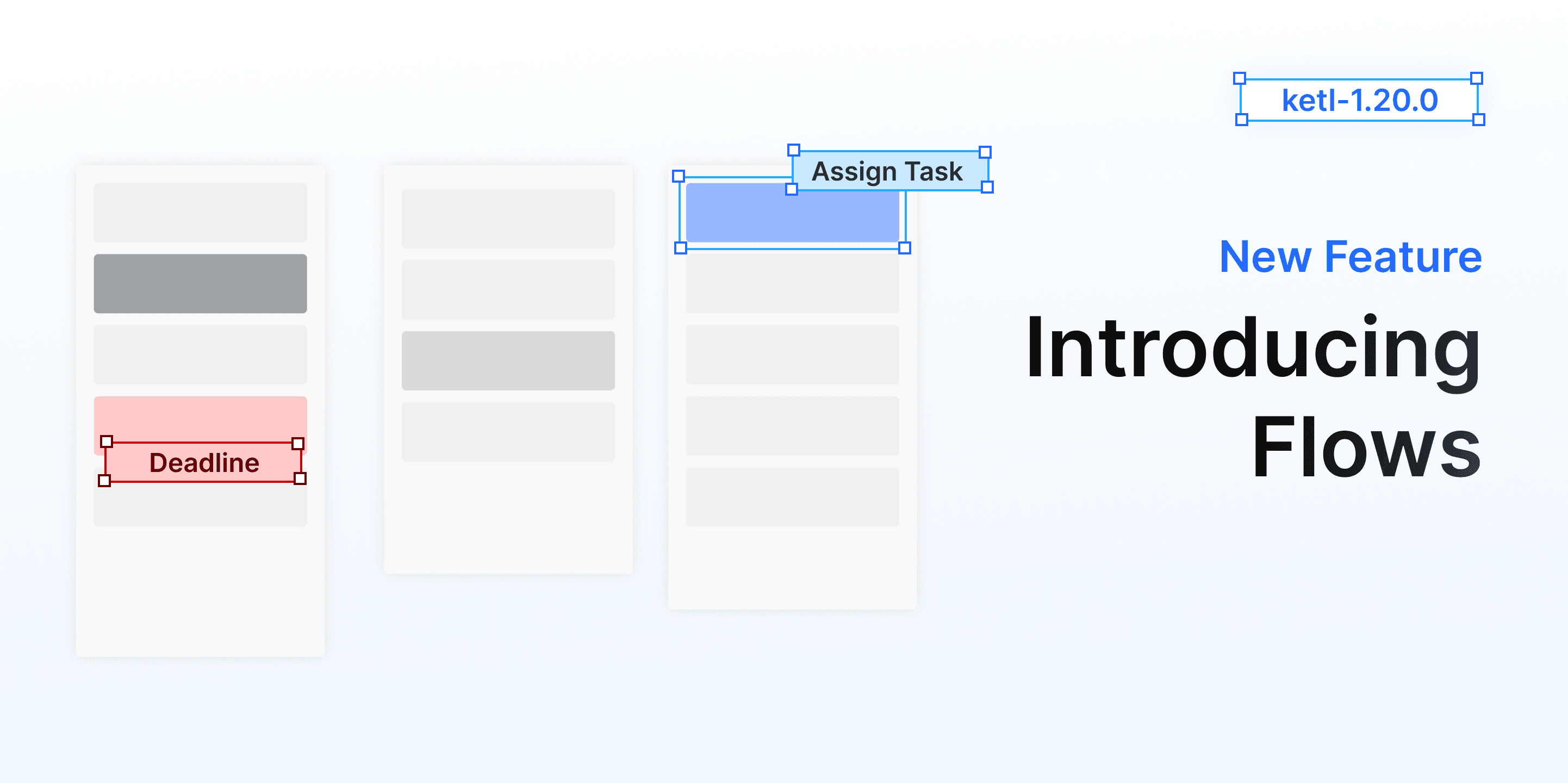
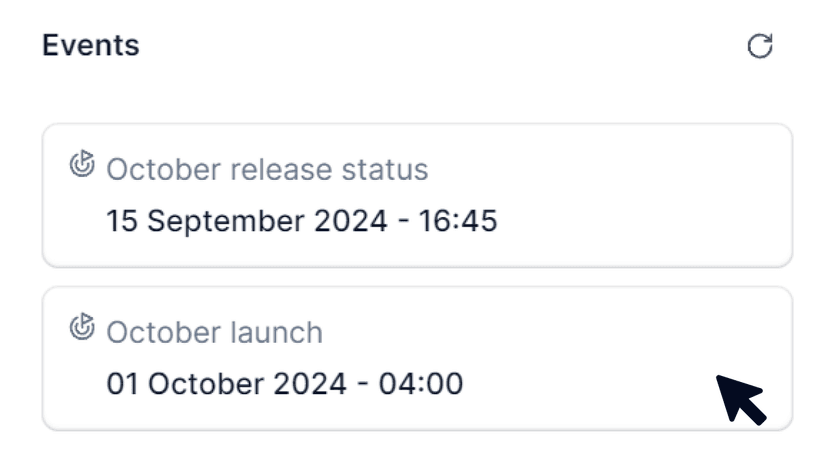
Flows are a way to communicate around your information, you can create tasks from a document, add notes to a project or assign events to a client. Available on your Contacts, Projects, and Documents. You can find them in your right-tab or in your Flows Dashboard.
There are different types of Flows:
Notes
Events to your Calendar
Deadlines
Chats
Timesheets
You can have a complete overview of your Flows in the new Flows Dashboard.
To access it, click in the Flows icon on your left side bar. Flows can be marked as Pending or Completed.
We made some adjustments to our algorithm responsible for splitting the pdfs automatically, users should see improvements in loading times and quality.
Filters across the app now align with the various fields in your filing plan, leveraging the information from to your documents, projects and entities.
You can now add stamps directly inside PDF documents, making it easier to transfer paper-based workflows to the Ketl environment (e.g., add "Received on 19/08/2022" on the first page).
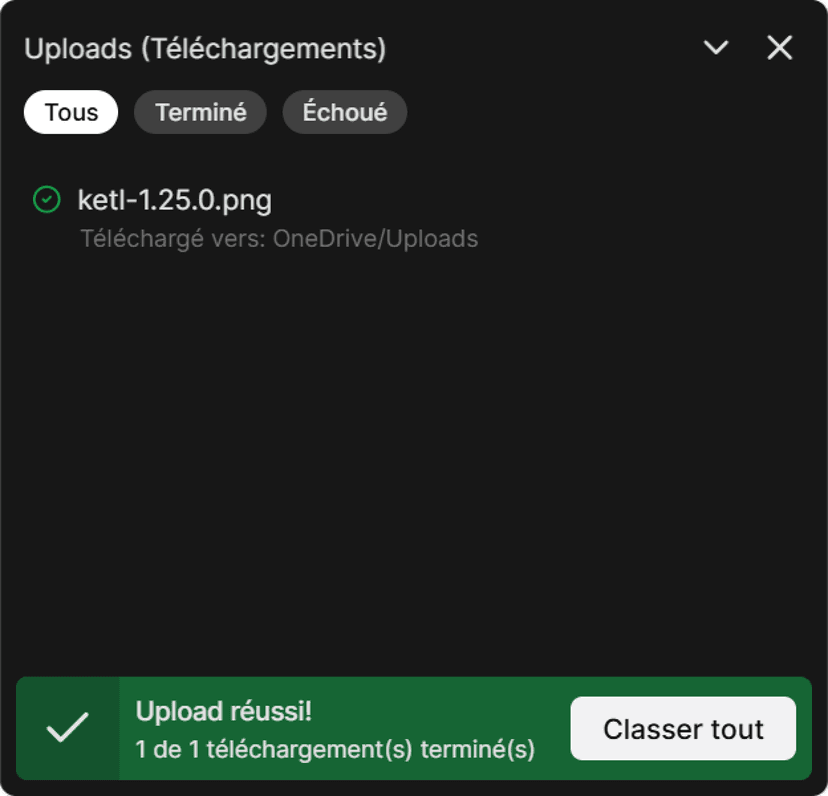
Added the ability to delete uploaded files directly from the filing upload window, without needing to open the inbox. This streamlines file management and saves time.
Added option to select "All day" for flows durations.
Added an indicator for the total duration of a flow where it includes the duration of its reactions.
Added clearer path visibility when creating new folders, helping users confirm their location and reduce confusion during subfolder creation.
Improvement Clearer path visibility when creating new folders, helping users confirm their location and reduce confusion during subfolder creation.
Improvement Flows now show the full date and time instead of relative timestamps like “a month ago,” providing clearer and more precise information.
Improvement Users can now hide default Home panels such as “Recent Documents” and “Recent Projects,” allowing a cleaner, more customizable workspace.
Improvement Users can now open a filed document directly from the “Filing Complete” notification, streamlining workflows and reducing steps after uploading files.
Improvement Redesigned the admin invitation section for better clarity. The “Invite Microsoft users” button is now separated and renamed “List active Microsoft users,” with clearer labels for inviting individual users.
Improvement Deleting a file from the inbox no longer causes the entire inbox to close, allowing smoother and faster file management.
Improvement Enhanced PDF split coloring scheme to make it easier to comprehend and more intuitive.
Improvement Enhanced tag search performance and usability in general, should now be much better.
Improvement Resolved an issue where titles of the panels in the home panel were shortened to three characters. Titles now display correctly in full.
Improvement Text field suggestions in filing should now include only relevant options.
Improvement Filter suggestions changed to not require exact capitalization - filtering is now fully case-insensitive, allowing matches regardless of letter case.
Fixed an issue where filter suggestions required exact capitalization to appear in search results. Filtering is now fully case-insensitive, allowing matches regardless of letter case.
Fixed an issue where filter suggestions required exact capitalization to appear in search results has now been Fixed. Filtering is now fully case-insensitive, allowing matches regardless of letter case.
Fixed an issue with Project display name. It now correctly shows both client and project information.
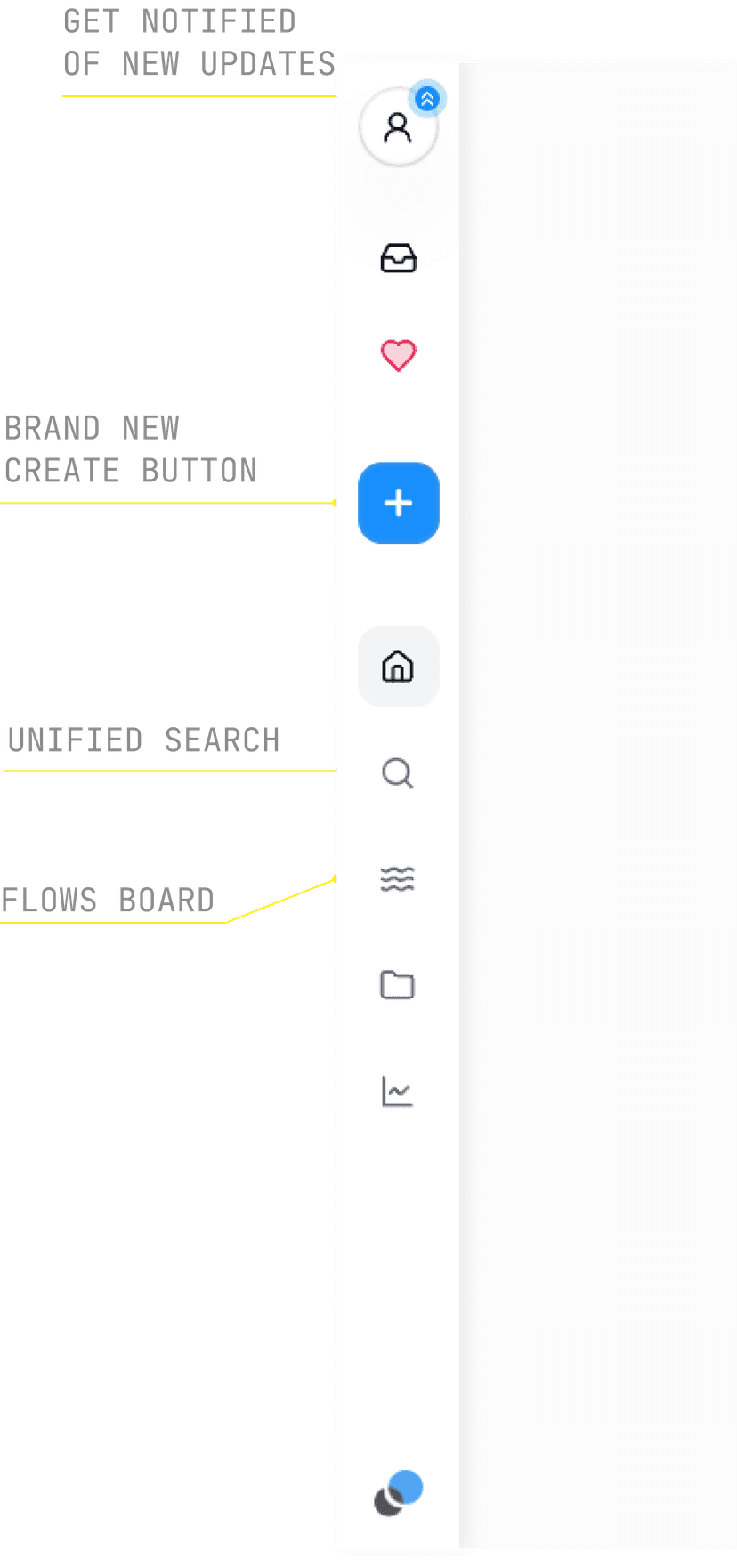
Fixed an issue where buttons in the sidebar were misaligned or misplaced on smaller displays or when using higher display scale settings.
Fixed an issue where typing quickly in client fields under slow network conditions could result in missing characters.
Fixed an issue with File history display. File history sometimes showed only the latest modification or displayed empty pages. History now loads correctly across all pages.
Fixed an issue causing dropdown menu cutoff. Dropdown menus in the new filing interface were sometimes cut off or hidden. Menus now display fully and remain visible within the workspace.
Fixed an issue that would incorrectly display the profile images of users when assigning a flow to a user from the document dock.
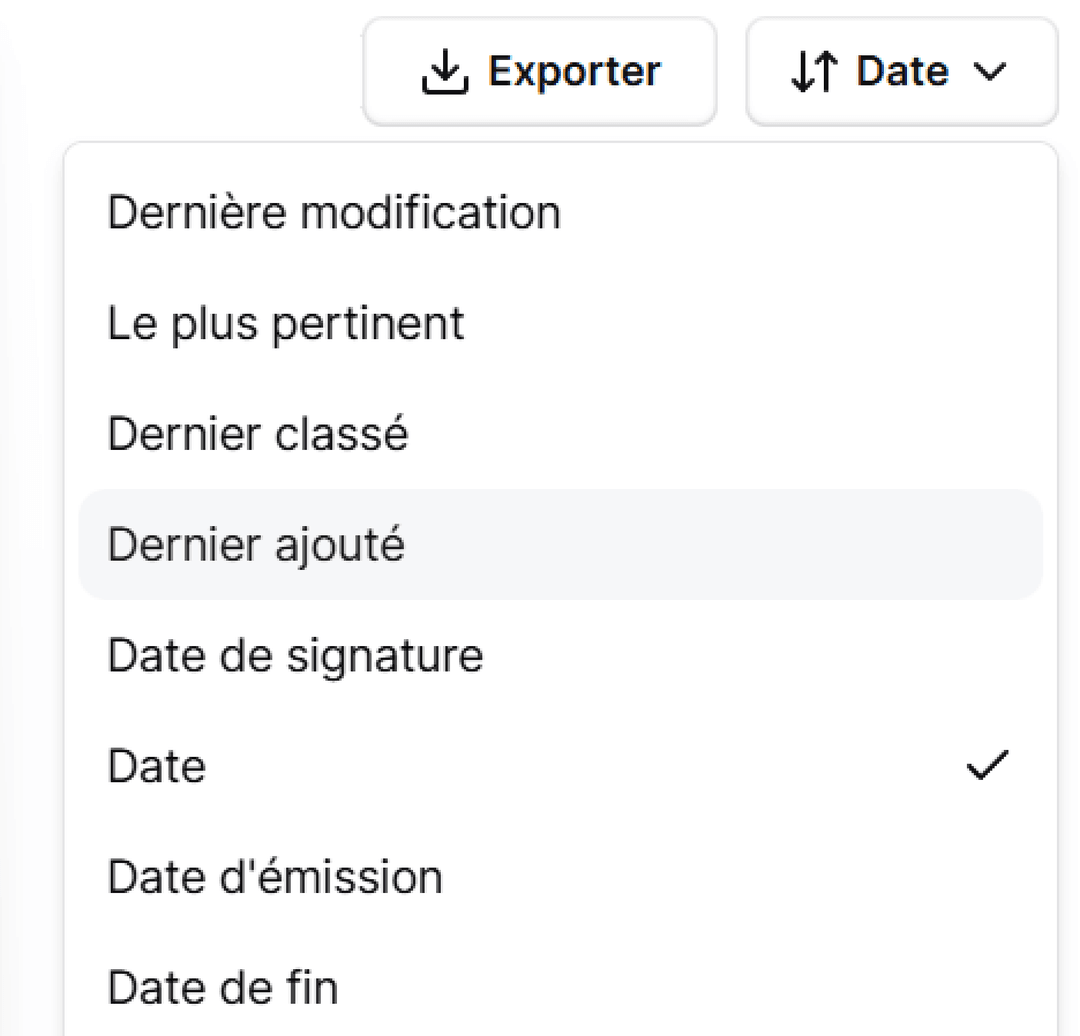
Fixed an issue that prevented the drop down menu in search from closing automatically when changing “sort”.
Fixed an issue where the filing drawer sometimes opened scrolled to the bottom. It now consistently starts at the correct position.
Fixed an issue where missing user references in flows displayed “UNDEFINED” inside the user icon. The placeholder now shows a neutral icon or remains empty.
Fixed an issue where removing an event from filing would sometimes display "Invalid date".
Fixed an issue where after spliting a document we would display the old file in filing modal.
Fixed an issue where sometimes the duplicates alert would say a duplicate is filed when it was not.
A new operator allows you to apply negative conditions to a filter. This lets you better view project documents containing many emails, for example, by selecting:
PowerPoint (.pptx) and Excel (.xlsx) formats are now partially supported with template management. Handy for distributing standard documents within your organization!
You can now export your search results without applying a single active filter. This is useful if, for example, you want to quickly generate a list of the latest classified files.
Scrolling on a PDF during classification no longer erroneously applies to other documents displayed afterward.
PDF scrolling status is now correctly stored when switching tabs.
When splitting a PDF, the list of documents to classify only shows the files resulting from the split. Once they are classified or when clicking the “Back” button, the current file list is displayed.
A clearer error message is now shown when the file you are trying to open has been deleted from your storage or is inaccessible.
File uploads on the "Documents" page now automatically refresh the folder tree.
The folder selection window no longer displays an error message systematically for certain users.
An explicit error message is shown when a user tries to create a folder with an invalid name.
A bug that caused some uploaded files to disappear from the Inbox has been resolved.
Drag and drop for adding template files now works again.
Fixed a bug that prevented the user from zooming in or out on a document.
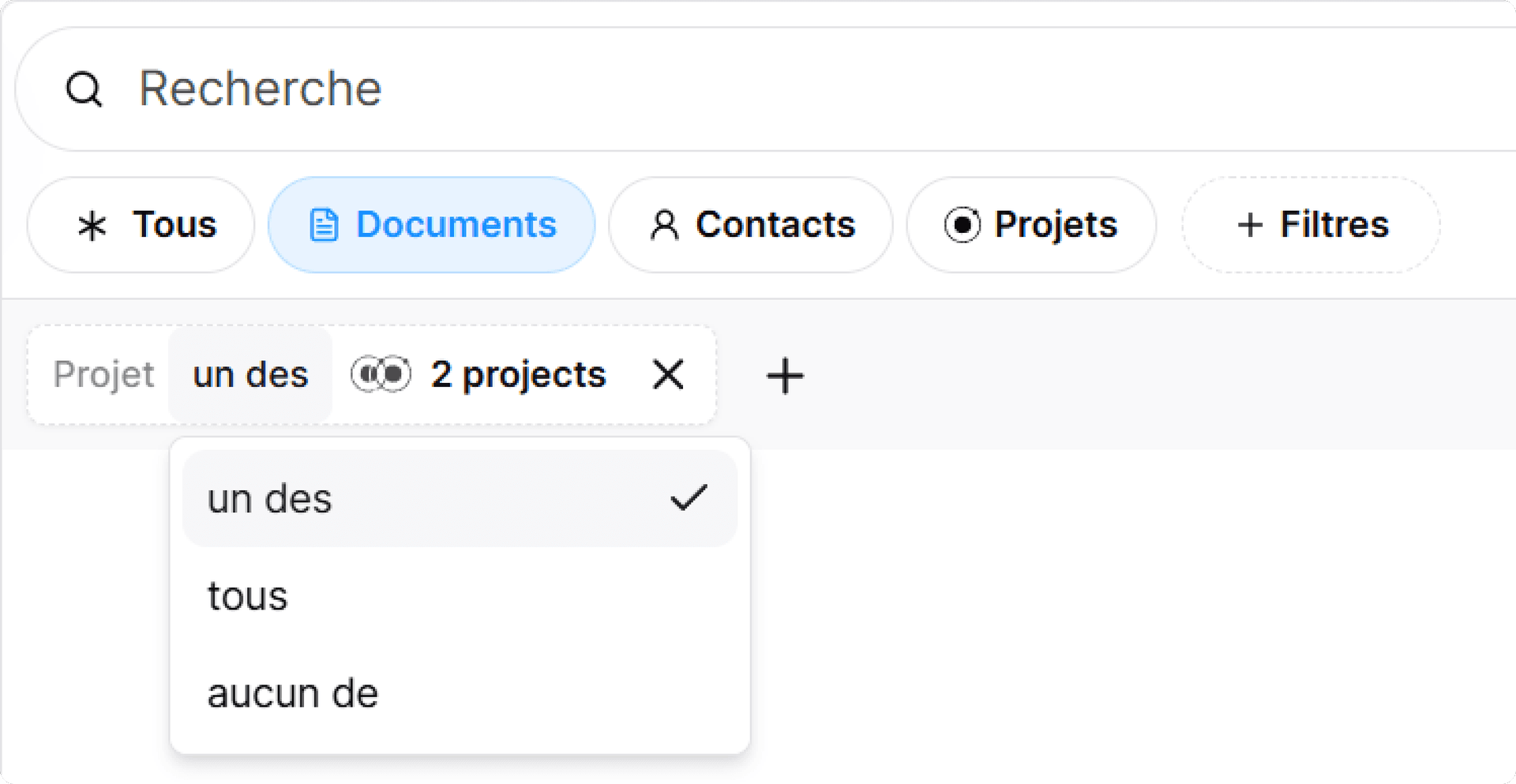
With our new filters, you can now include or exclude part of a filter, combine filters together to show views with all or any filters applied. To use different operators and refine queries, click on parts of the filter formula to modify it.
We have also added date filters that let you match projects by when they were created, updated, completed, or when they're due. See issue before or after a certain date or combine filters to view date ranges.
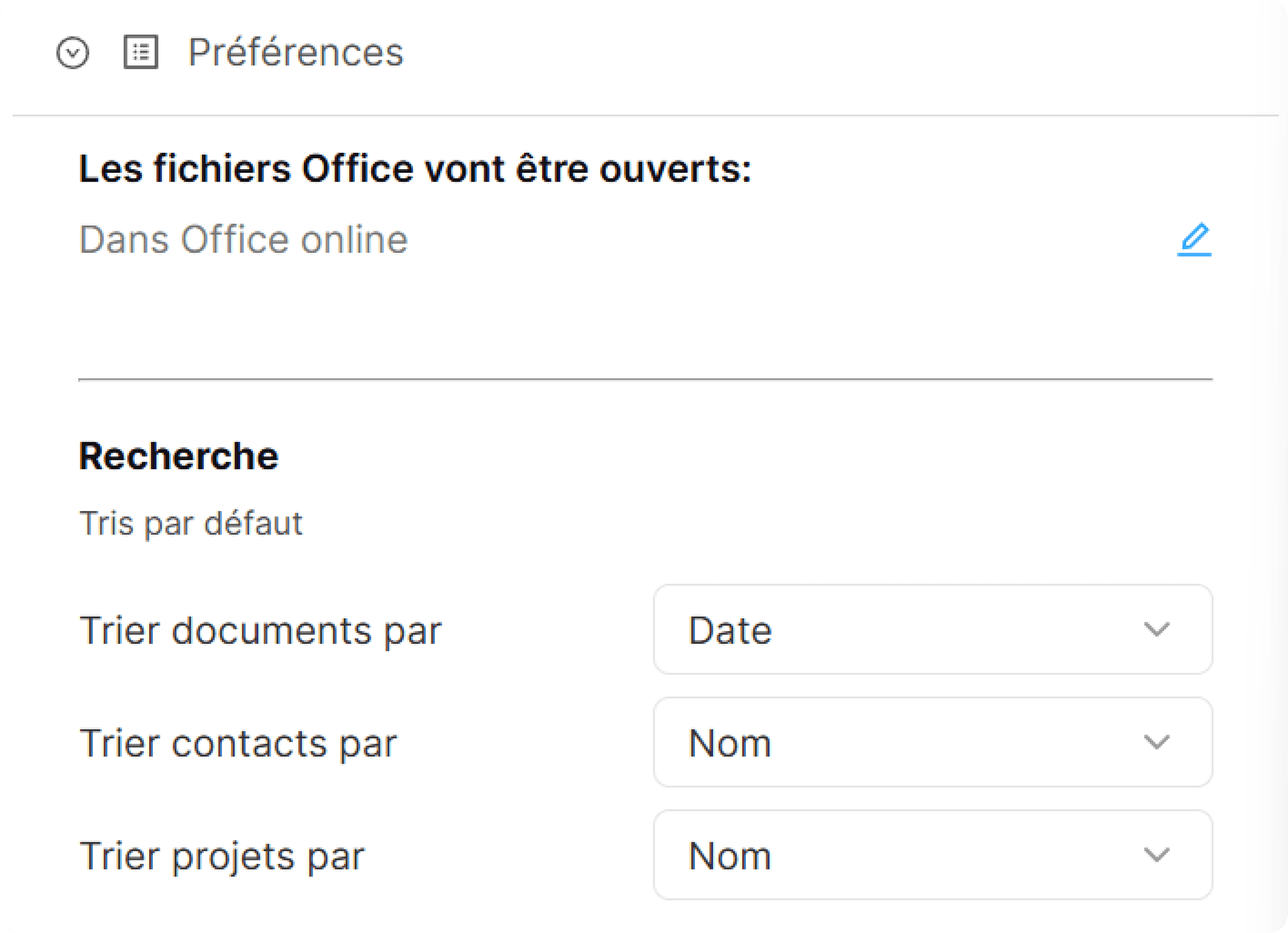
We rebuilt our Period component that is used in Filing. This new implementation uses Radix primitives and React-aria under the hood. Using these libraries made our period component compatible with W3C accessibility requirements, enhanced keyboard support for navigating between dates, and made all elemets to match a currently selected interface theme.
More accessibility improvements are coming, stay tuned.
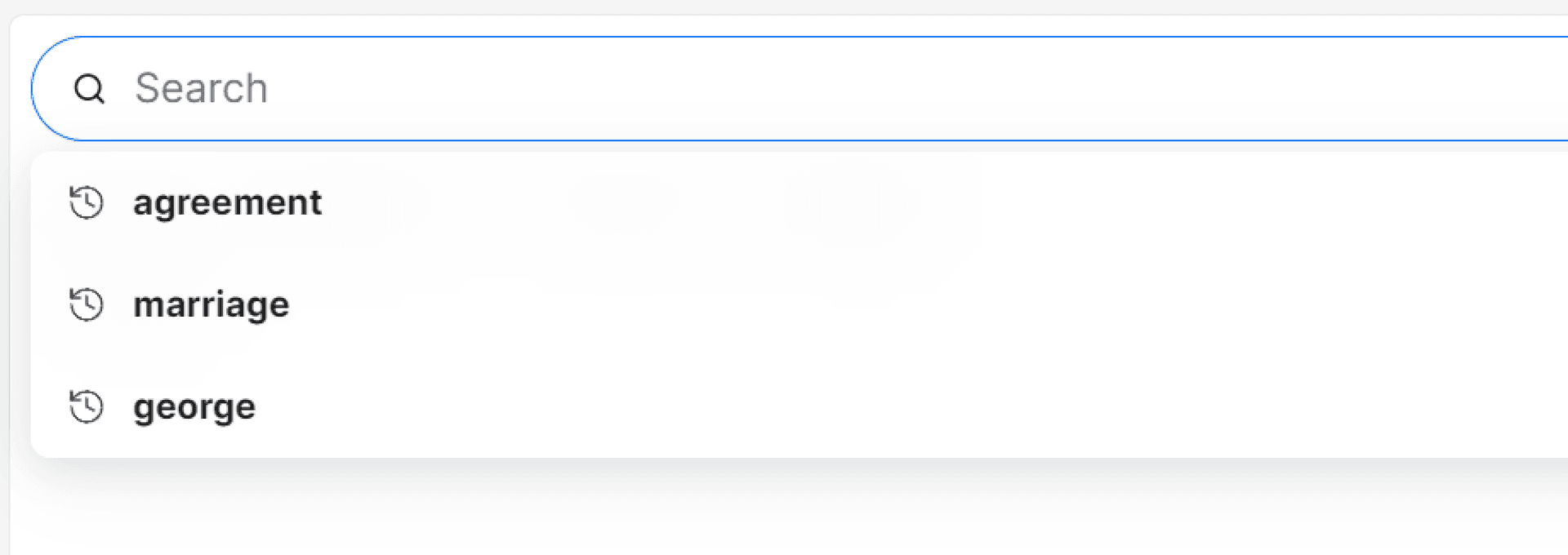
Together with the new search, we have added your recent searches to be available in your search bar options, the development on this feature will continue so in the future you can create you own custom saved searches.
Based on your feedback, we've integrated Adobe's document viewer to elevate your reading and searching experience. Whether you're on desktop, tablet, or phone, your documents have never looked better.
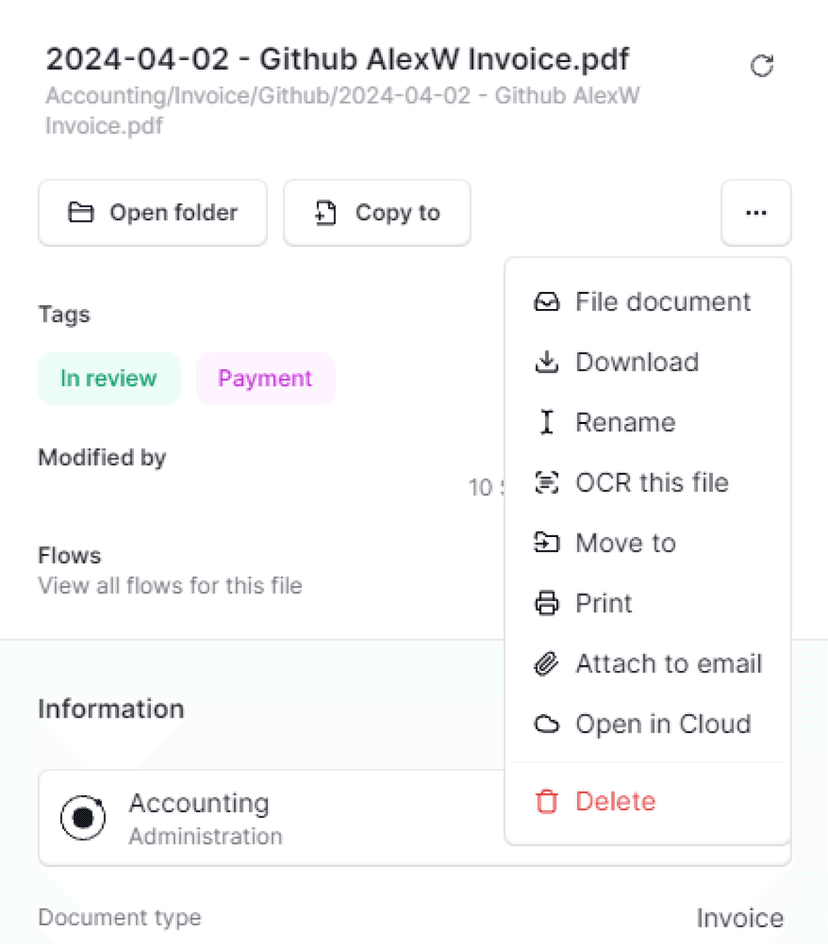
Our new Dock offers a smarter, faster way to interact with your documents — file, share, download, or print with a simple click.
Dock Actions
File your document
Add to a flow
Open in the cloud or Word
Share via email
Print or download
Copy SharePoint link
Open full page
A Note on Adobe Telemetry
Adobe's viewer includes telemetry to monitor usage and ensure compliance. Rest assured, Ketl has not activated Adobe Analytics, minimizing data sharing. More on data protection can be found here (see page 5).